Server Heading/Server Info
Server Heading
Each connected Server is shown in the Server/Group/Job/Task grid as a row with its name, user name and address. Under it are the groups with one row for each Job, and under each Job are its Tasks.
Server Info
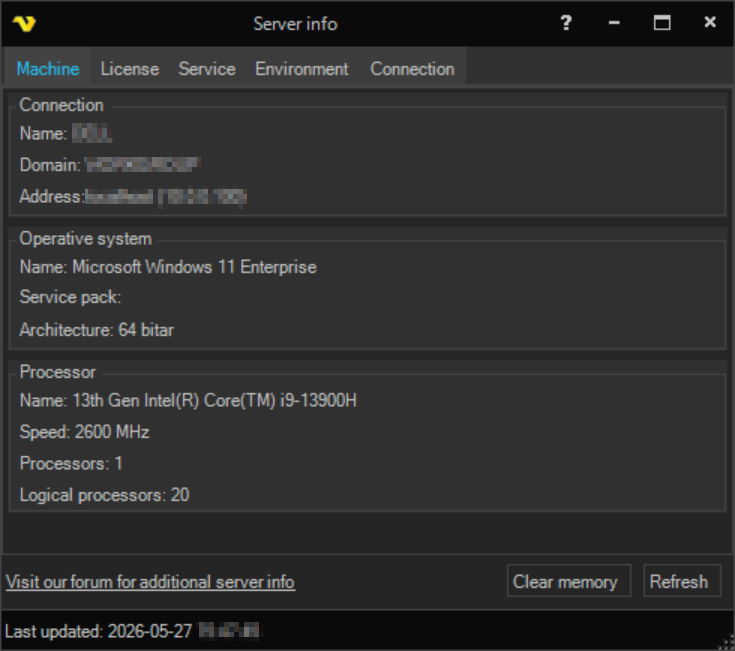
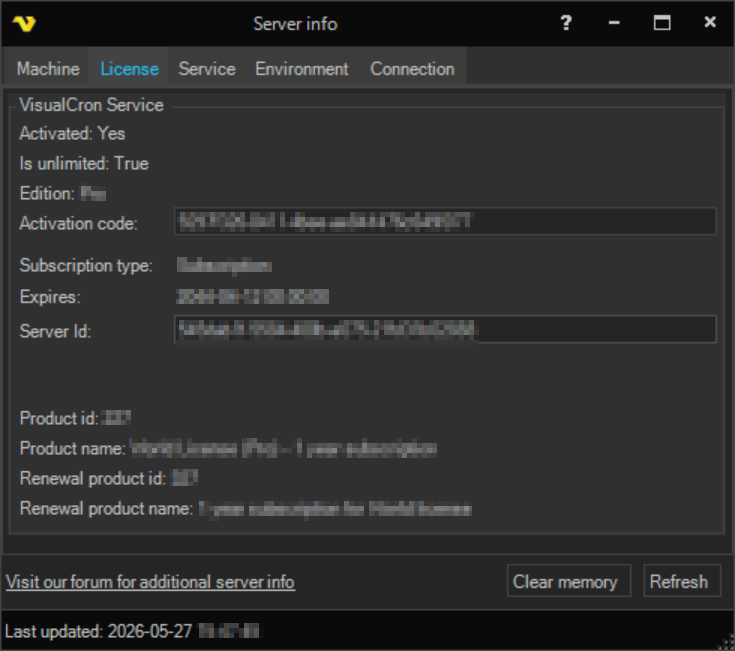
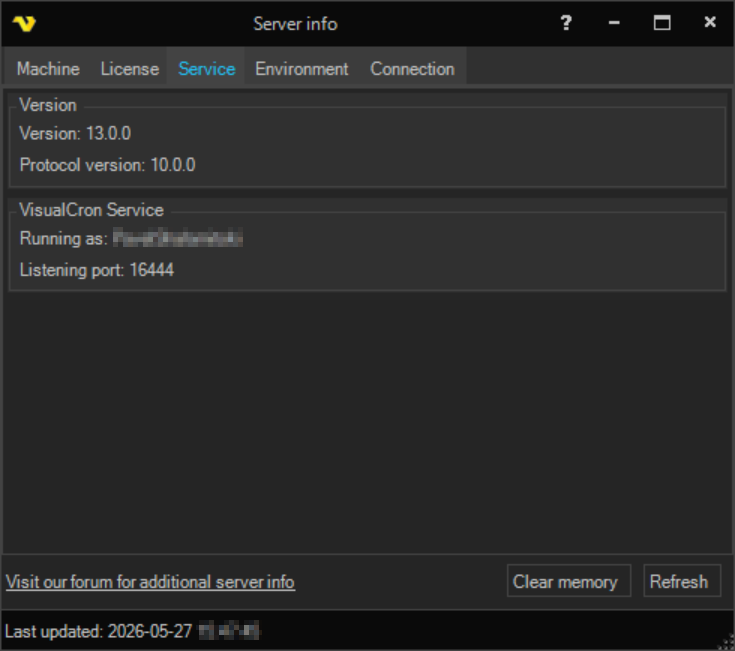
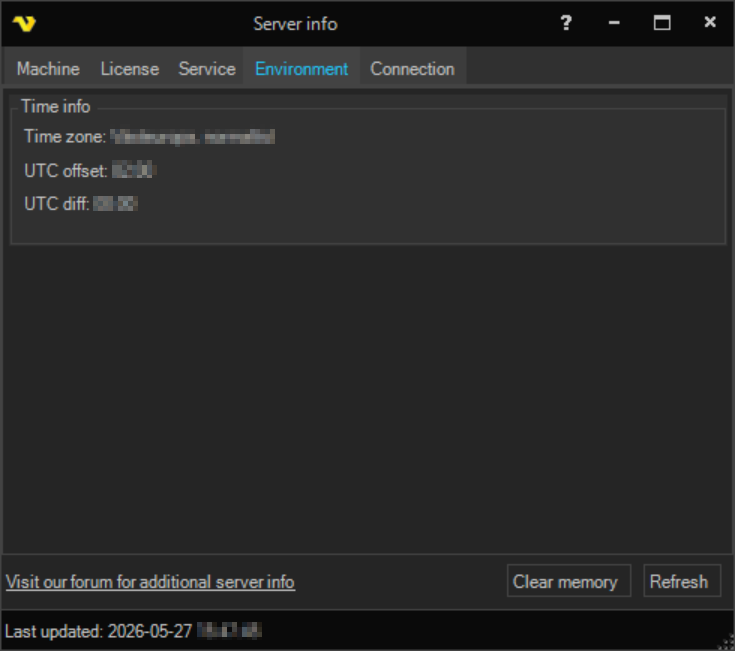
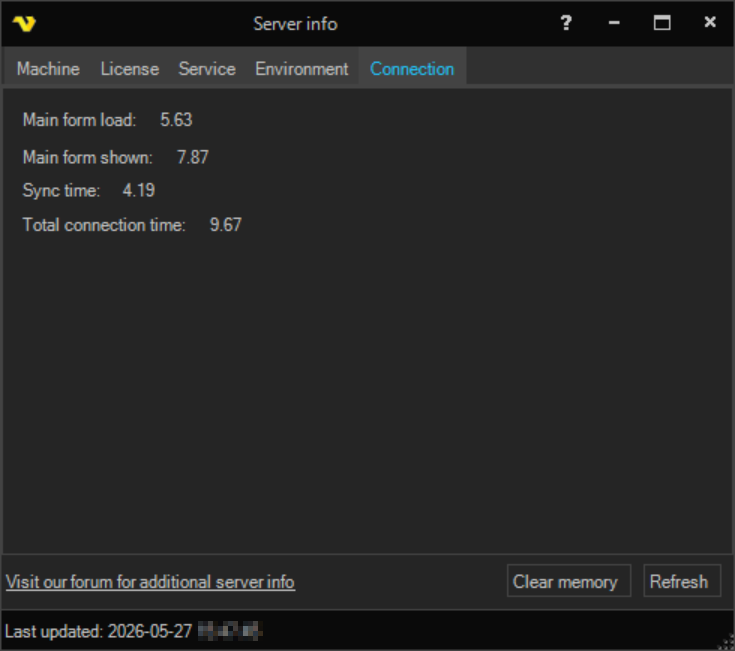
The Server info window shows information about the computer that runs the VisualCron Server, its license, the service, the time settings and the Client connection. To open it, click Server -> Information -> Server info, or right-click the Server row and click Server info.
The window has the tabs Machine, License, Service, Environment and Connection. For the details, see Information - Server Info.