Information - Server Info
The main menu Server > Information > Server info option shows some details related to the computer where the VisualCron server is installed, the current license status and information about the VisualCron server service.
Server > Information > Server info > Machine tab
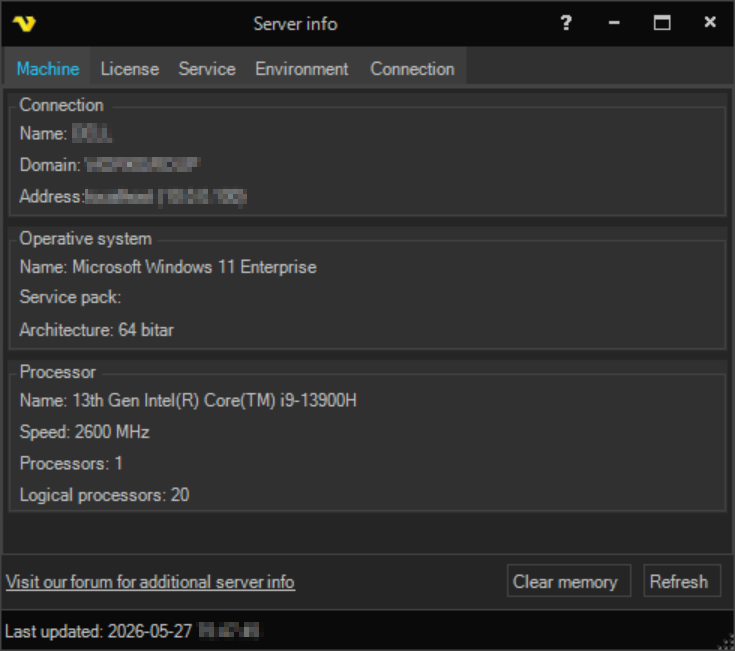
Shows details about the computer where the server runs, grouped as Connection (name, domain, address), Operative system (name, service pack, architecture) and Processor (name, speed, number of processors and number of logical processors).
Server > Information > Server info > License tab
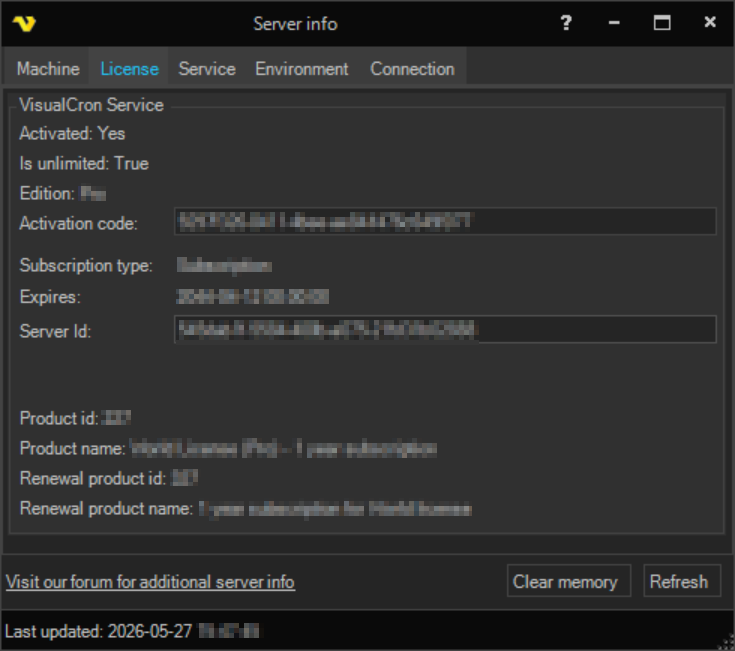
Shows the current license status, including whether it is activated, the activation code, edition, subscription type, expiry date, product information, the Server Id and a link to purchase a license.
Server > Information > Server info > Service tab
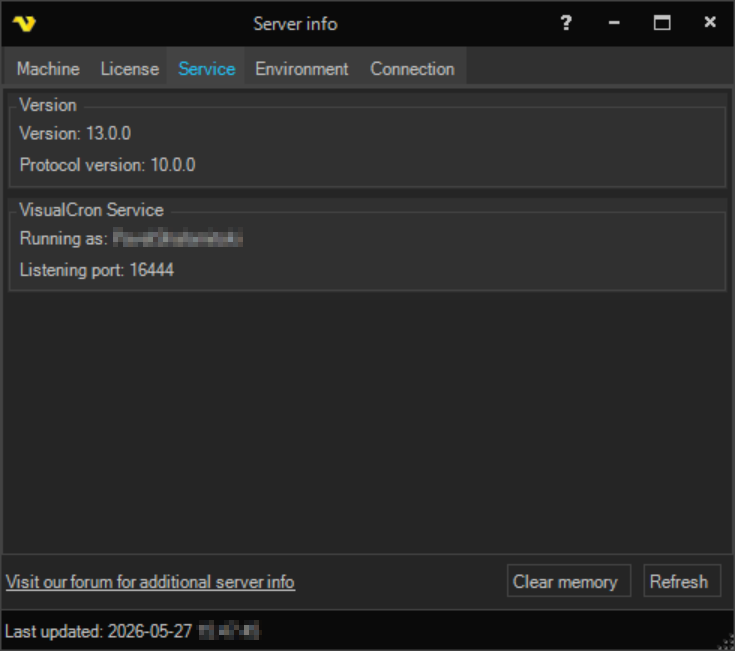
Shows the server version, protocol version, the account the VisualCron Service is running as and the port it uses.
Server > Information > Server info > Environment tab
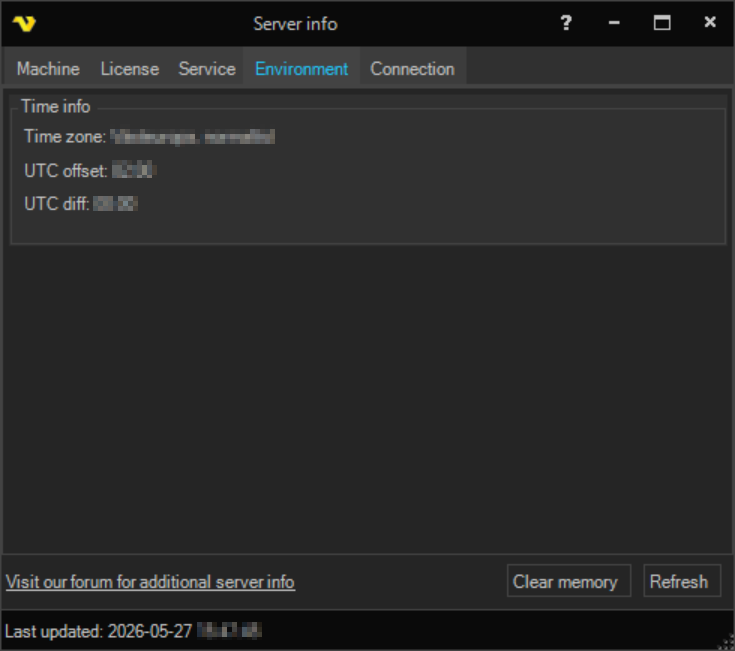
Shows time information for the server, such as the time zone and the UTC offset.
Server > Information > Server info > Connection tab
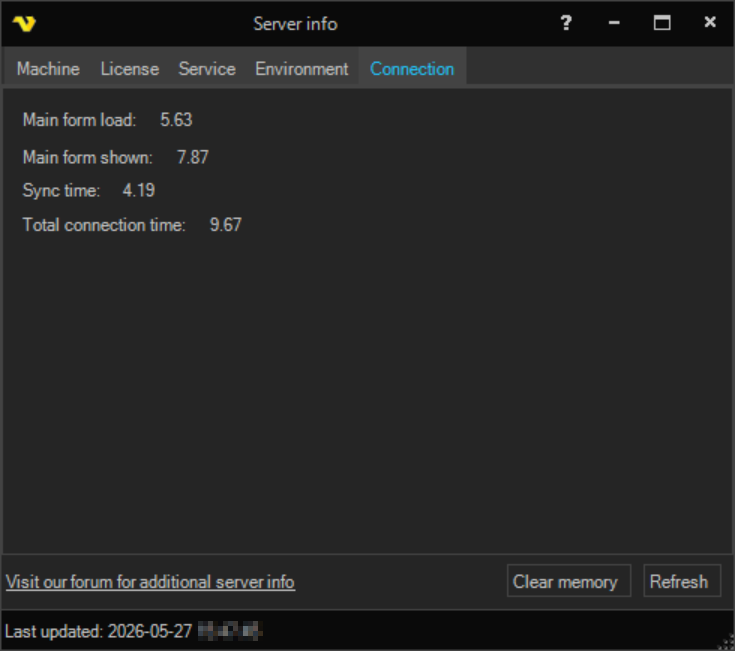
Shows timing information for the current connection, such as the main form load and shown times, sync time and total connection time.
The Refresh button reloads the information and the Clear memory button releases memory used by the server.