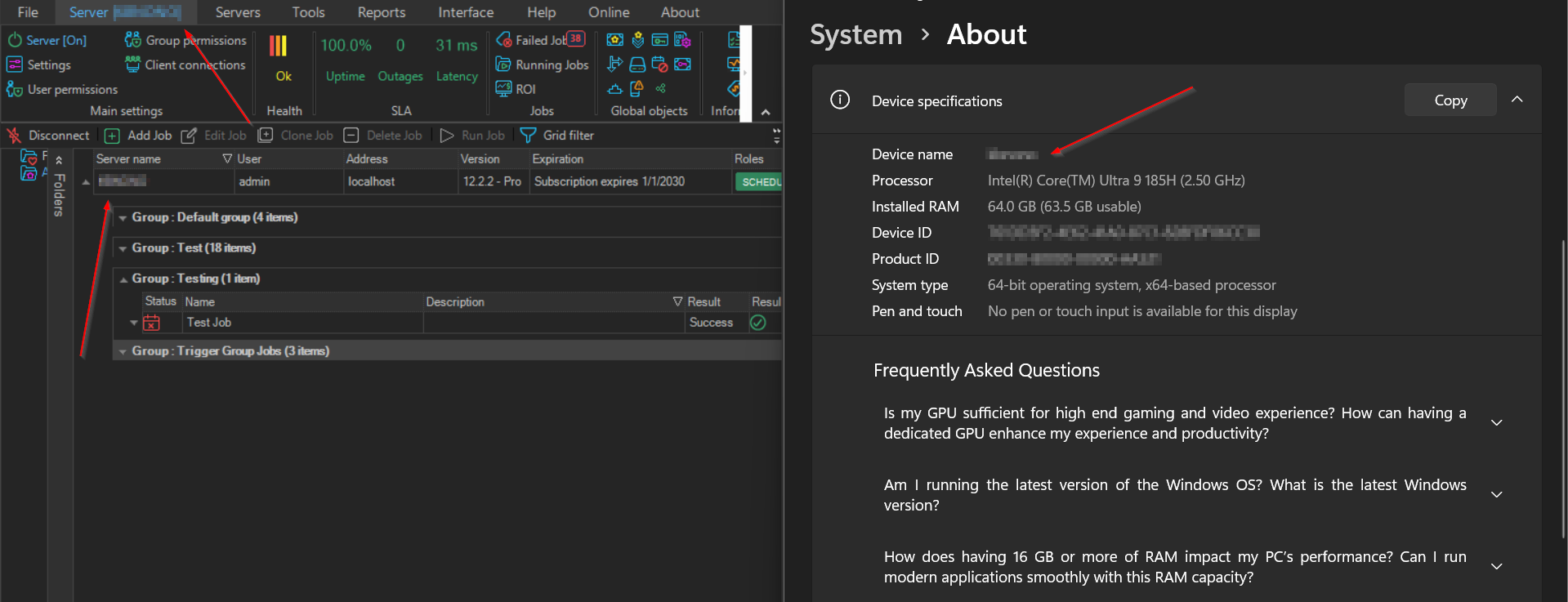
Server Name
The status bar shows Server: followed by the address of the Server the Client is connected to: localhost for a local Server, or the address and port of a remote Server. It shows "N/A" when the Client is not connected.
The Server's name is shown on the main menu Server tab, as Server [<server name>].