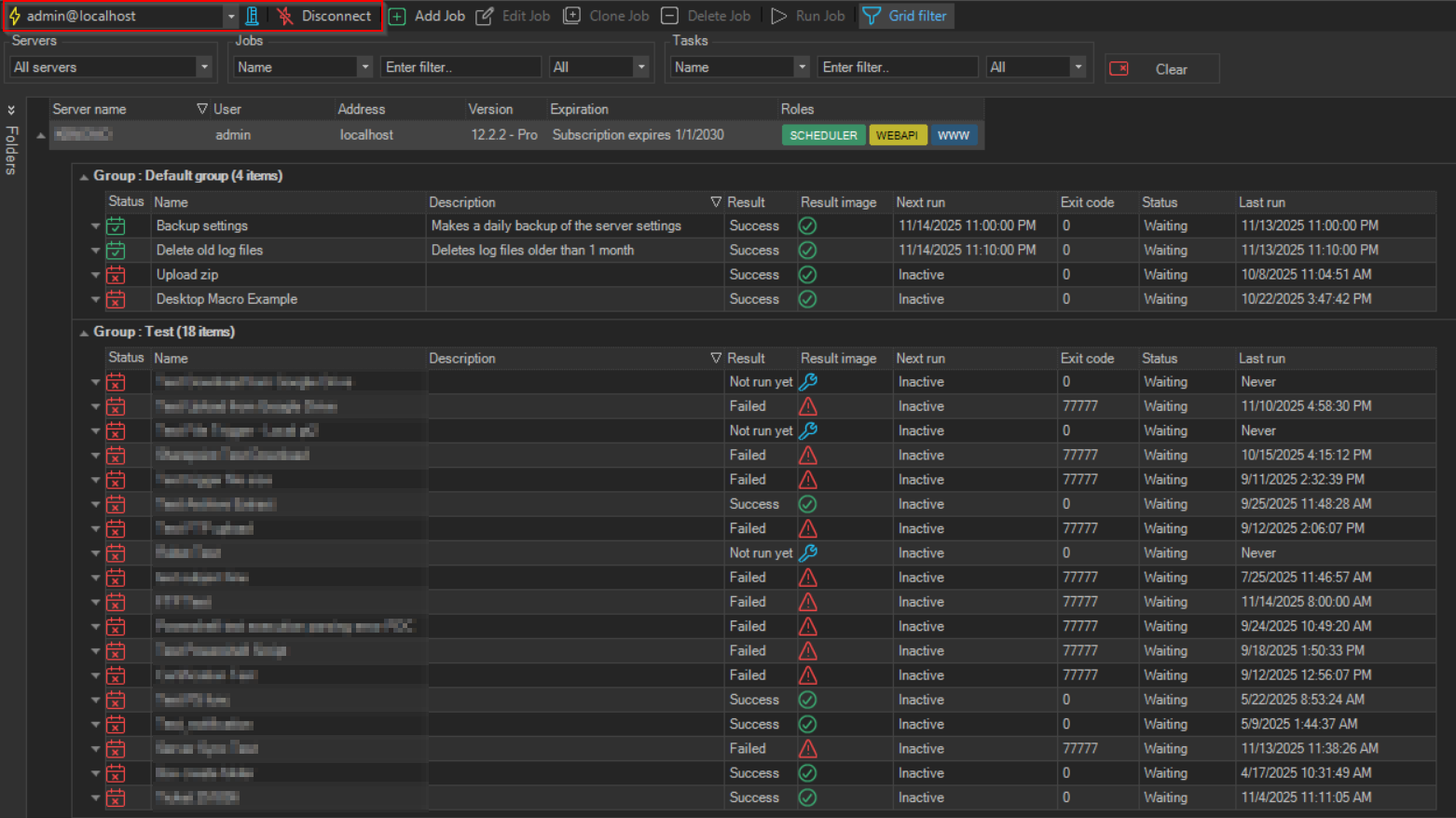
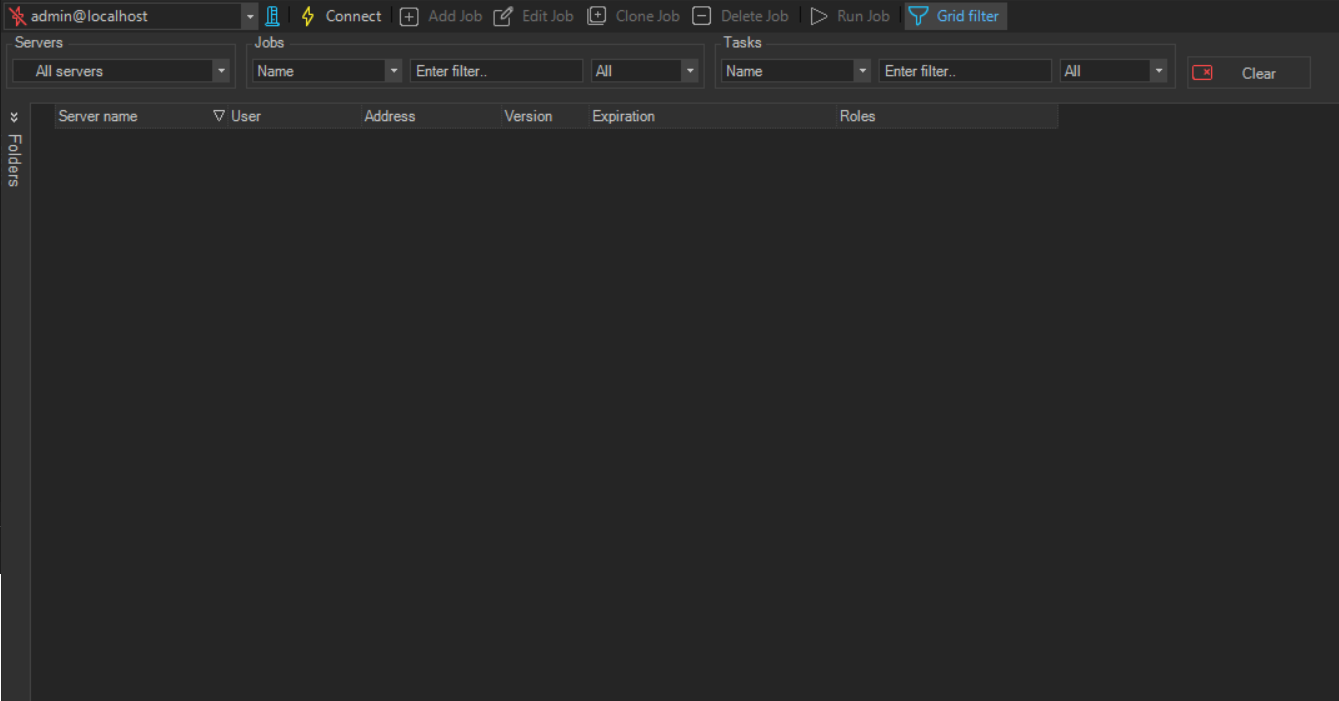
Disconnect/Connect
The toolbar Disconnect/Connect option, disconnects or connects (depending on the current server connection status) the server name indicated in server selection part of the toolbar and in the main menu Server [<server name] tab. The option label and icon change to reflect the current connection status.
When connecting, if the selected server is set to prompt for login, you are asked for credentials before the connection is established.