Run Job
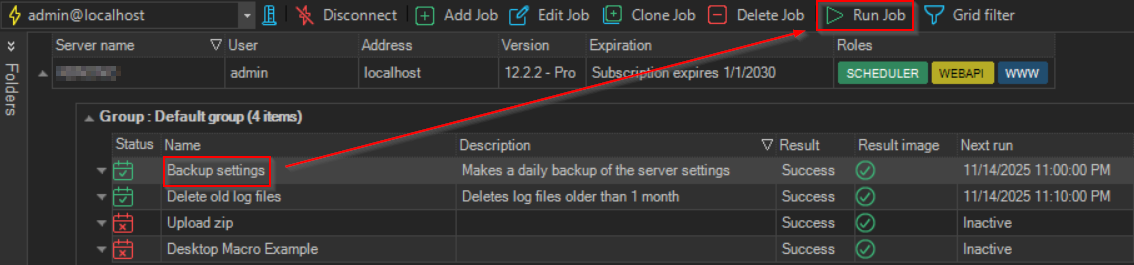
A marked Job in the Server/Job/Task grid can be run at any time by clicking toolbar the Run Job option.
The Job can be manually executed even if it is "Deactivated".
While a Job is running, the option changes to Stop Job and clicking it stops the running Job. A Pause Job / Resume Job option also becomes available next to it while the Job is running.