Delete Job
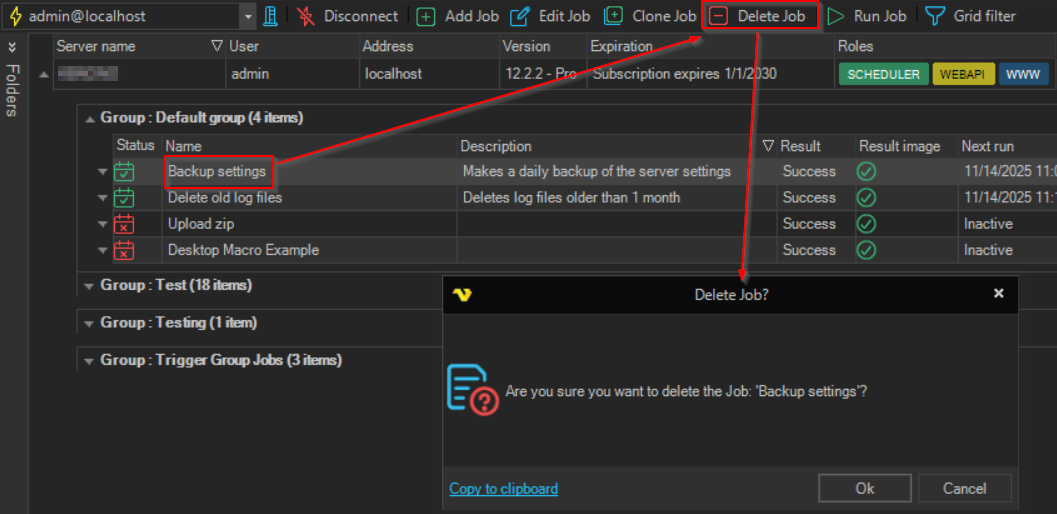
The Delete Job button in the toolbar deletes the selected Job from the connected Server. You need the delete permission for the Job.
A confirmation prompt with the Job name is shown before the Job is removed. If other objects use the Job, the prompt also says how many, and suggests the Object relations window for details; see Object Relations.
warning
If a Task row is selected, Delete Job deletes the whole Job that the Task belongs to, with all its Tasks. Check the Job name in the prompt before you click Ok.
See also Delete Job.