Settings - Start Guide
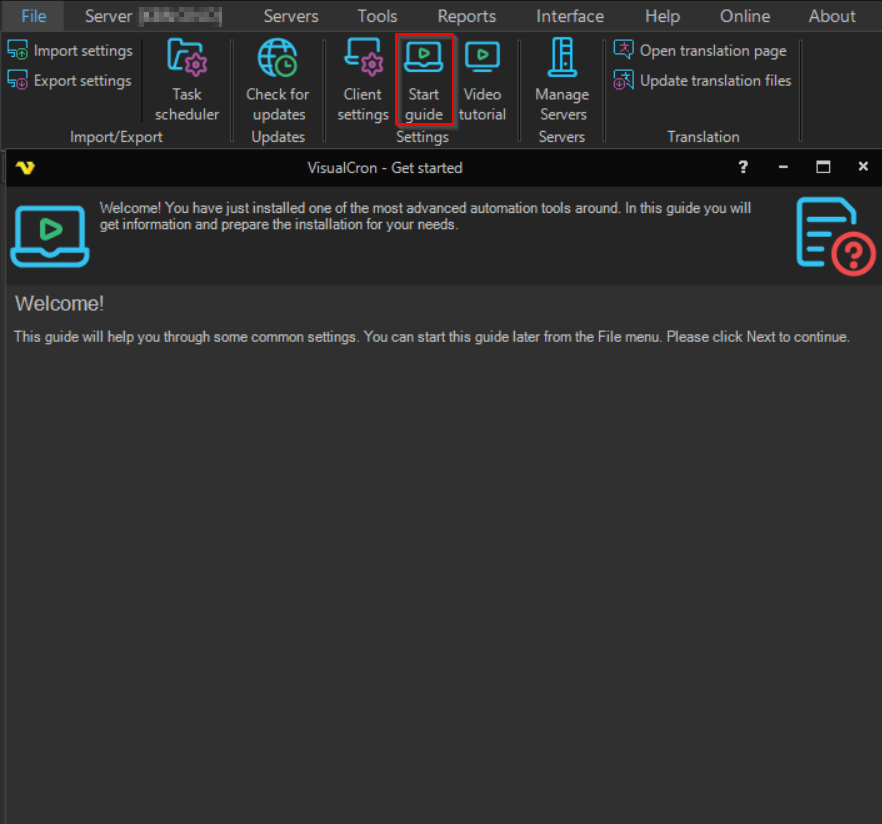
The File -> Settings -> Start guide option opens the Get started guide that is shown when VisualCron is installed for the first time. Click Next and Previous to move through the pages, and Finish to close it.
The second page shows whether VisualCron is set up as "Client and Server" or "Client only", and the state of the Server service and the Tray Client.

The last page lists where to get help: the help file, the VisualCron forum, the video tutorials and e-mail support.
