Explore - File Explorer
The File Explorer browses the folders and files on the computer that runs the VisualCron Server.
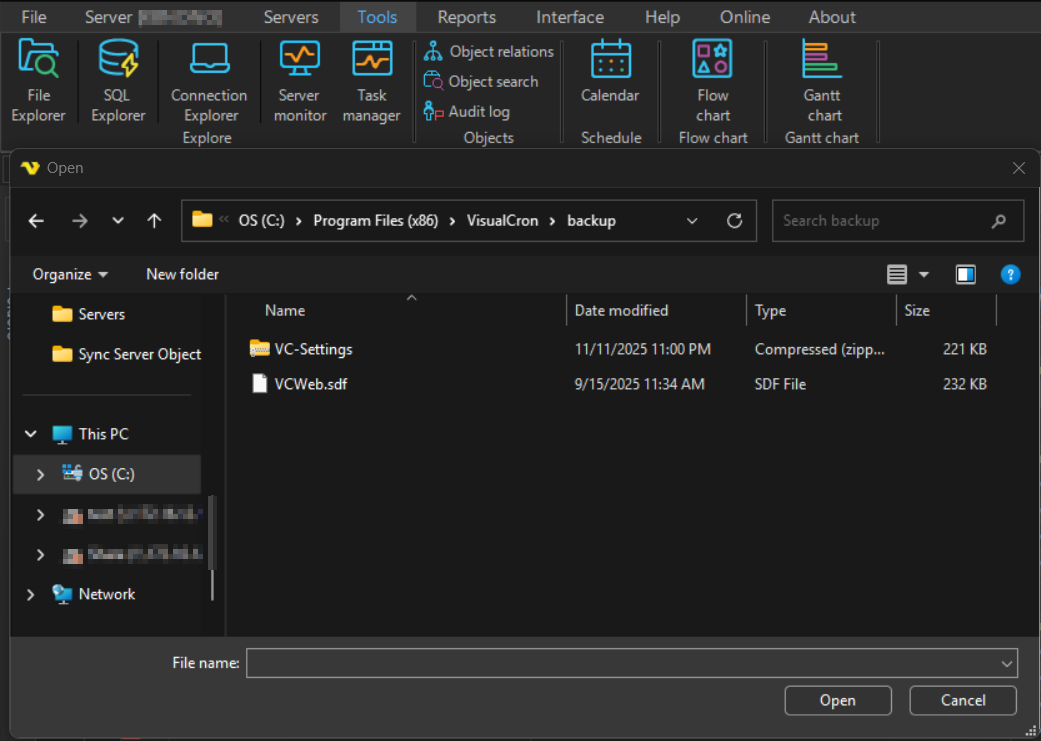
To open it, click Tools -> Explore -> File Explorer.
What opens depends on how the Client is connected:
- Connected to a local Server: the standard Windows Open window
- Connected to a remote Server: the Remote explorer window, which lets you:
- copy and paste files and folders
- upload a local file or folder to a remote folder
- delete files and folders
- rename files and folders
- search for files on the Server
Upload files and folders
Drag a file or folder from a local folder into the remote explorer to copy it to the Server.
Search files
Enter a value in the search field at the upper right and press Enter, or click the search button. Click the X in the search field to clear the result and return to the original listing.
note
Searching a very large folder can take a long time, and the Client does not respond while it searches.