Explore - SQL Explorer
The SQL Explorer window uses your SQL Connections to browse databases and tables, edit rows and run queries.
To open it, click Tools -> Explore -> SQL Explorer.
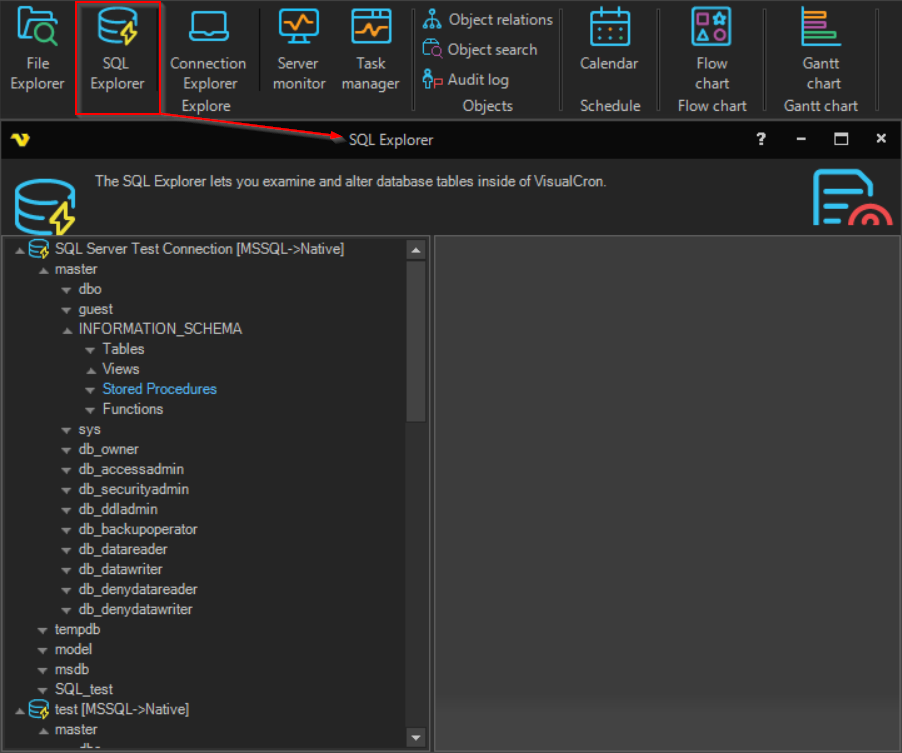
Connections tree
The tree shows the SQL Connections that are set up on the Server. To open a Connection, double-click it, or right-click it and click Connect. Under an open Connection, the tree shows:
- the databases
- under each database, its schemas
- under each schema, Tables, Views, Stored Procedures and Functions
Working with data
When connected, you can:
- open and edit a table by double-clicking it
- edit rows in form and grid view
- delete rows
- scroll through and filter rows
- click New query to run your own SQL query against an open Connection
- run a stored procedure with parameters
warning
Edits and deletes in the SQL Explorer change the database directly.