Add Job
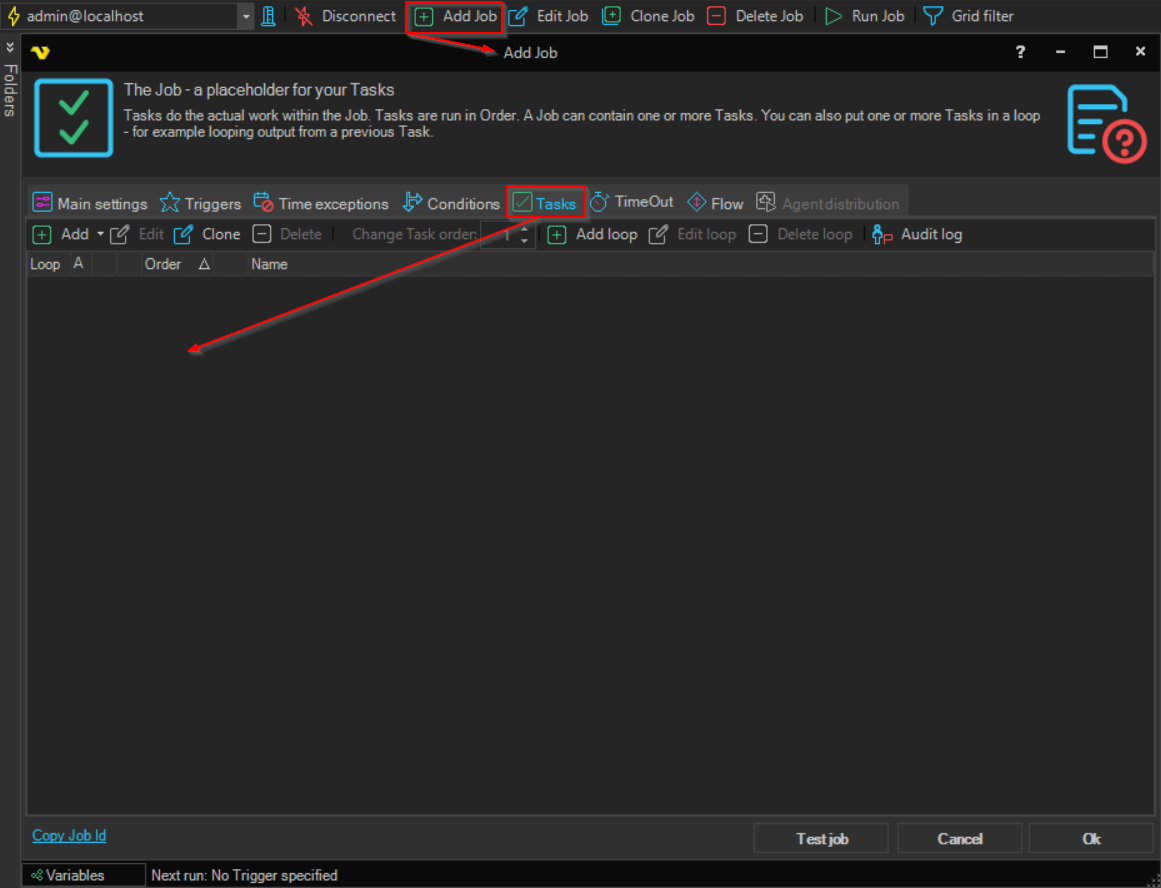
The Add Job item opens the Job window for a new Job.
To add a Job, do one of the following:
- Right-click a Job, a Task, a group heading or the Server row in the Server/Group/Job/Task grid and click Add Job
- Click Add Job on the toolbar
When you add a Job from the right-click menu of a Job in a group, the new Job is placed in that group. For the settings in the Job window, see Job - Main settings.