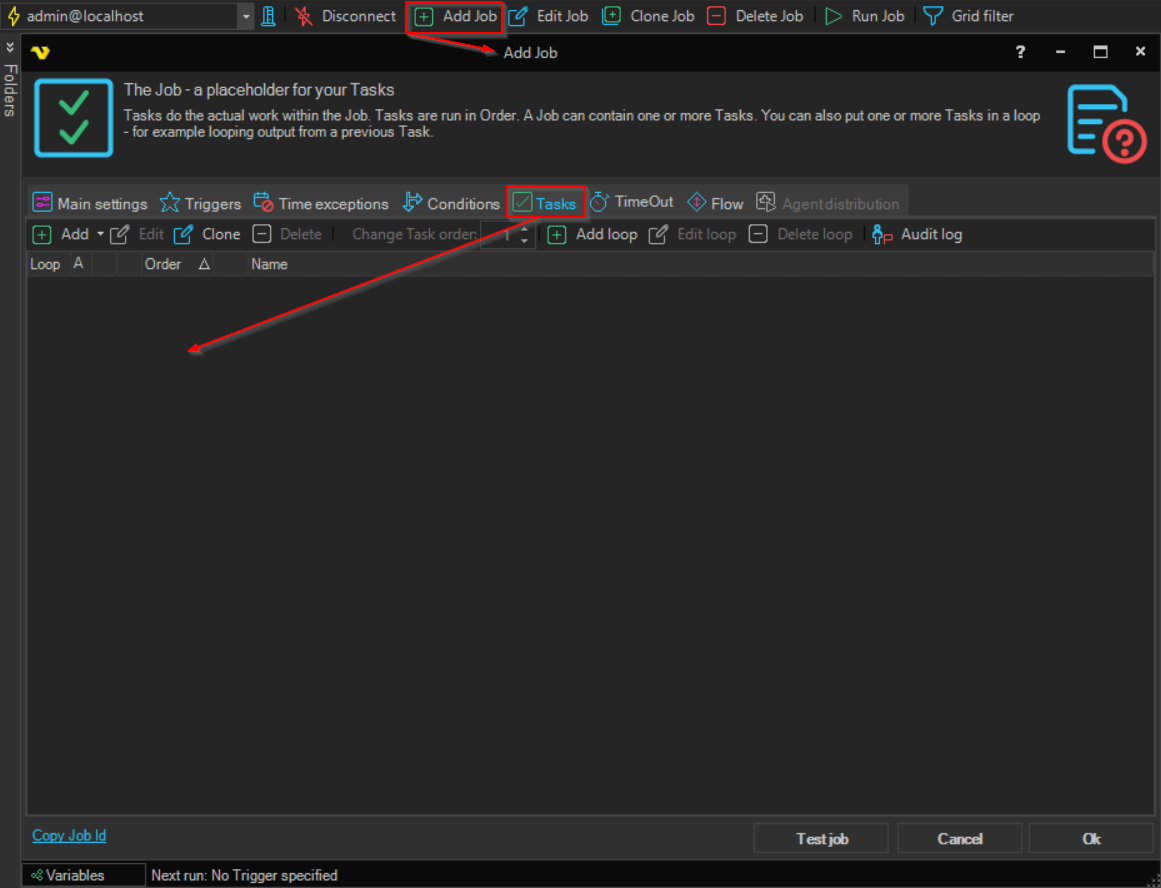
Add Task to Job
The Add Task to Job '<Job name>' item adds a new Task to a Job.
- Right-click the Job, or one of its Tasks, in the Server/Group/Job/Task grid.
- Click
Add Task to Job '<Job name>'. - Select the Task type and set up the Task in the Task window.
For the settings that every Task has, see Task - Main settings.