Clone Job
The Clone Job item creates a new Job from a copy of an existing Job on the same Server.
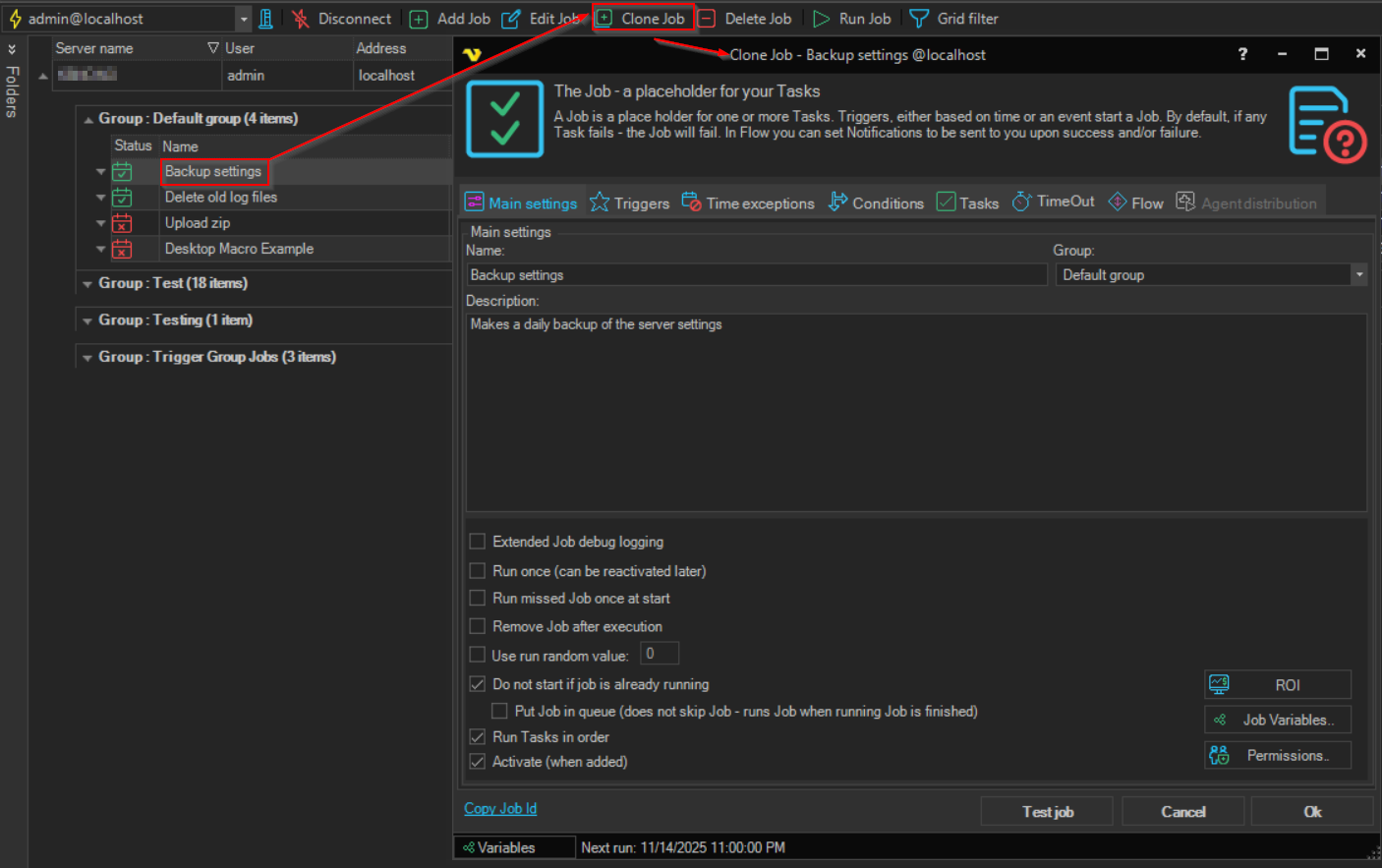
To clone a Job, do one of the following:
- Right-click the Job in the Server/Group/Job/Task grid and click
Clone Job '<Job name>' - Select the Job and click Clone Job on the toolbar
The Job window opens with the title Clone Job - <Job name> @<Server address>. It holds a copy of every setting of the original Job, including its Triggers, Conditions, Tasks and flow. The copy gets new identifiers and its run statistics are reset. Nothing is saved until you click Ok.
You can keep the same name. If a Job with that name already exists, the Client asks you to confirm before it saves.
Clone Job adds the new Job to the Server you are working on. To copy a Job to another Server, use Copy Job and Paste Job.
On a Task row, the same item is Clone Task '<Task name>'.