Reset Job
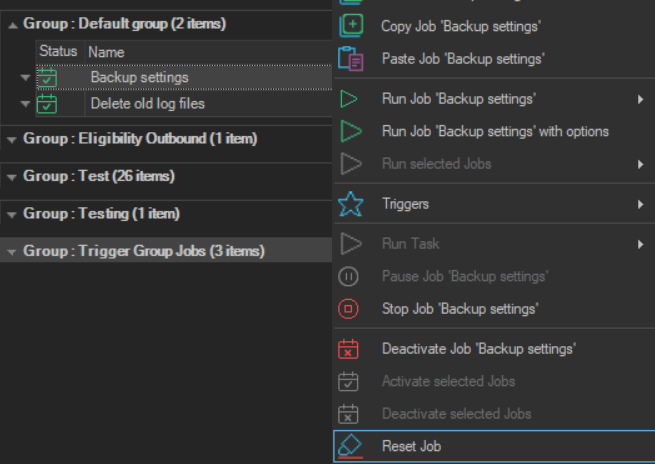
The Reset Job item clears the run state of a Job and its Tasks.
warning
Reset Job clears the last results and output of the Job and its Tasks at once, without a confirmation.
- Right-click the Job, or one of its Tasks, in the Server/Group/Job/Task grid.
- Click Reset Job.
Reset Job sets the Job and its Tasks to waiting, and clears the last execution time, the number of executions, the exit codes, the Task results and the Task output. The Job settings and the entries in the log database are not changed. Resetting a Job requires the Edit permission for Jobs.