Show Flow Chart
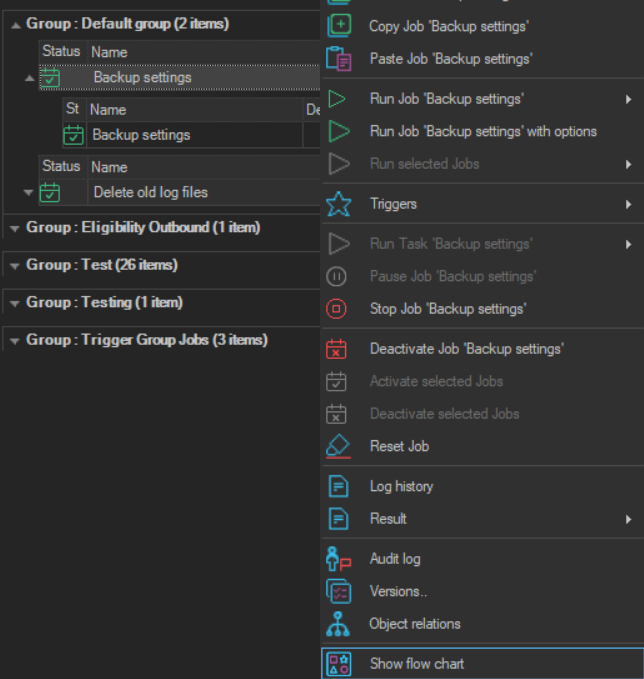
The Show flow chart item opens the Flow chart window for the selected Job.
- Right-click the Job or Task in the Server/Group/Job/Task grid.
- Click Show flow chart.
The same window opens from Tools -> Flow chart; see Flow Chart - Flow Chart.