Information - License
The main menu Server > Information > License option manages activation and deactivation of the VisualCron license.
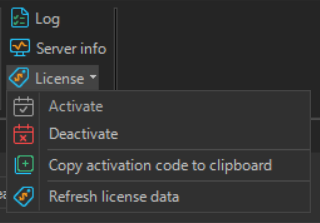
The window is divided into tabs for the different activation methods:
Online Activation
Enter your activation code and click Activate. This requires the server to have Internet access.
Offline Activation
Used when the server has no Internet access. The window shows your Server ID and a URL to visit from another computer to retrieve an offline activation code, which you then enter and confirm with Activate offline.
Trial extension
Enter a trial code and click Activate trial to extend your trial time.
Offline trial extension
Used to extend the trial when the server has no Internet access. Copy the offline trial challenge, use it to obtain a trial code, then enter the code and confirm.