Main - Client Connections
The Server connections manager window lists every Client that is connected to the Server you are working with. Use it to see who is connected, from which computer and with which kind of Client.
To open it, click the main menu Server -> Main settings -> Client connections. You need the "Client connections" permission with "Read" (see Main - User Permissions).
The list updates while the window is open: new connections are added, and closed connections disappear. The list is read only, and you cannot disconnect a Client from this window. A Client and a Tray Client that run for the same user each appear as their own row.
Server -> Main settings -> Client connections
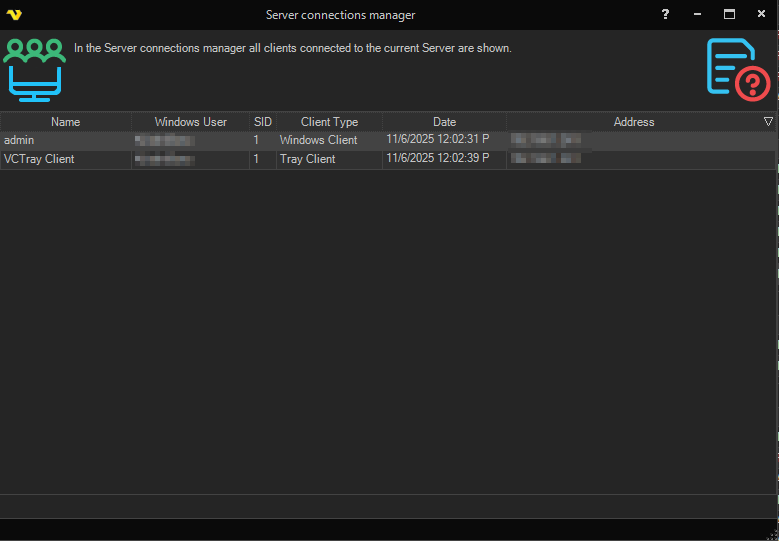
Columns
| Column | Shows |
|---|---|
| Name | The VisualCron user of the connection |
| Windows User | The Windows account that made the connection |
| SID | The Windows session the Client process runs in |
| Client Type | The kind of Client: "Windows Client", "Tray Client", "Web Client", "WebAPI Client", "API", "Server Job/Trigger", "Server Sync", "Cloud Client" or "Server Agent" |
| Date | When the connection was made |
| Address | The address the Client connects from, or "IPC (local)" for a Client connected through a local IPC connection |