Job - Timeout
The timeout value can be set both at Job and Task level, for Task level see Task - Timeout for more information.
Add/Edit Job > TimeOut tab
The screenshot shows the Task's TimeOut tab. The Job's tab has the same timeout fields, under End Job if timeout has been reached, plus Consider timeout as error.
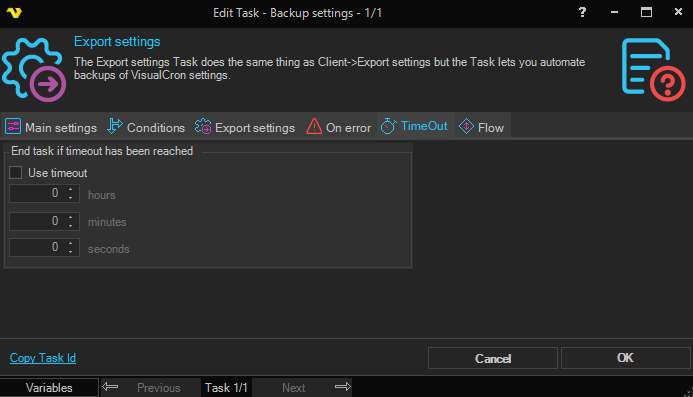
Select Use timeout and specify the time in hours, minutes and seconds. When the timeout is reached, the Job's running Tasks are stopped and the Job ends as failed. The timeout counts from the start of the Job, including the time spent checking its Conditions. Time while the Job is paused, and time a start waits in the queue, is not counted.
Consider timeout as error
Select to give a timed-out Job the exit code 77777. When it is cleared, the Job ends as failed with the exit code of a failed Task (which can be the Task that was stopped), or 77777 if no Task failed.
To act on a long run without ending it, for example to send a Notification, use the On running longer than event in Job - Flow, which measures time the same way.