Task - Timeout
Timeout is a way to abort an action that didn't run as expected, typically a connection or a response that doesn't happen within a reasonable time interval.
The timeout value can be set both at Task and Job level.
Add/Edit Task > TimeOut tab
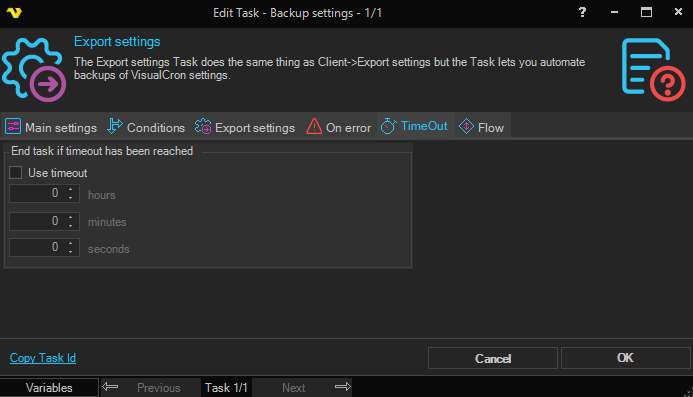
Select Use timeout and specify the time in hours, minutes and seconds.
When the timeout is reached, most Task types stop; how depends on the Task type (an Execute Task, for example, ends its process and the processes it started). The Task is marked as failed, with exit code 77777, only when Task times out counts as an error under Error causes on the On error tab: with All errors, with Only selected errors when it is selected, or with All except selected when it is not. Otherwise the stopped Task is not marked as failed, and On error flows do not run.
To be alerted without stopping the Task, use an On running longer than flow with Run Notification (see Task - Flow).