Conditions - Main Settings
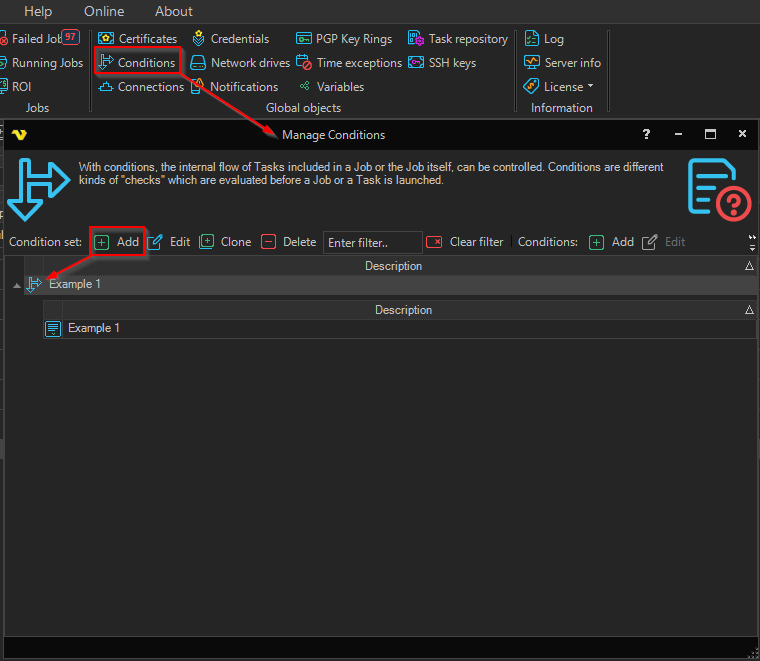
When clicking on Add, Edit, or Clone — or right‑clicking on a Condition Set row in the Manage Conditions window — the Add/Edit condition set window is opened. Its first tab, Main settings, contains the two fields described below.
Global > Conditions > Main settings tab
Description
A description of the Condition Set which appears in the Condition Set list and is used to identify the set when assigning it to a Job or Task.
Extended debug logging
Check this box if you want extra information about how the Condition Set moves from result to action. If you have problems with your conditions and want to find out why a Job or Task is/is not being run then use this option. Leave it unchecked in production to reduce log noise.