Conditions - Conditions
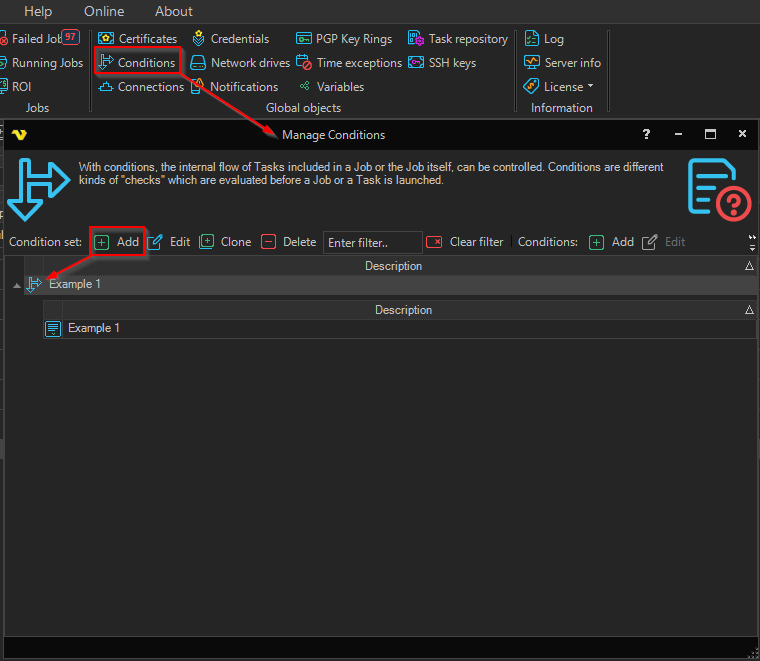
A condition set is defined from the main menu Global > Conditions dialog.
Global > Conditions > Add/Update Condition set > Main settings tab
See Conditions Main settings for details.
Global > Conditions > Add/Update Condition set > Conditions tab
Use Conditions > Add to include conditions in the current condition set.
Global > Conditions > Add/Update Condition set > Actions tab
See Conditions Actions for details.
Global > Conditions

Click the Conditions toolbar buttons or right-click on a condition set to Add, Edit, Clone or Delete it. The condition set and its included conditions are managed in the Add/Edit condition set dialog on the Conditions tab.
The condition set includes the following settings:
- Description
- A set of conditions
- Actions based on different condition matching options
Each condition uses the following settings:
- Condition type
- Description
- Active flag
- Parameters specific to the selected condition type
The following condition types exist: