Settings - Email Settings
The Email settings tab holds the default sender details that the Email Task uses. The SMTP server, port and logon are not set here: they belong to the SMTP Connection that the Task uses (see Connection - SMTP). This tab is one of the tabs of the Server settings window (see Main - Settings).
Server -> Main settings -> Settings -> Email settings tab
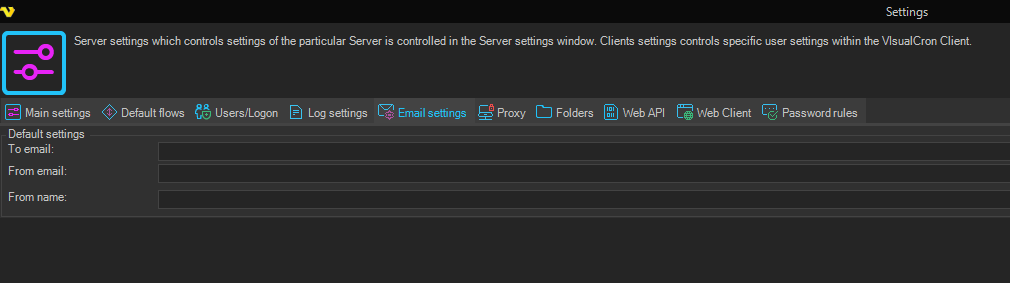
- To email: a default email address stored with the Server settings. If From email is empty when the VisualCron service starts, the Server copies this address into From email. You can enter several addresses, separated by a semicolon and no space, for example "ops@example.com;admin@example.com"
- From email: the default sender address. Enter a single address. When you open an Email Task whose From email or reply-to address is empty, the Task fills them with this address. The test window of an SMTP Connection also uses it as the From address when the Connection has no user name
- From name: the default sender name. When you open an Email Task whose From name is empty, the Task fills it with this name. If you leave this field empty, the Server fills in the Server name when you click Apply settings
When you click Apply settings, VisualCron checks the addresses and shows "Your email does not seem to be valid!" if one is not valid.
note
If From email is empty and To email holds several addresses, the copy at service start puts all of them into From email, and that is not a valid sender address. Keep From email filled in with one address.