Settings - Web API
In the main menu Server > Main settings > Settings dialog, there are a set of important setting groups/tabs. In this tab, the web API settings are managed.
The Web API consists of a REST and web services API. It is possible to use encrypted or unencrypted communication (on different ports).
Main > Settings > Web API tab
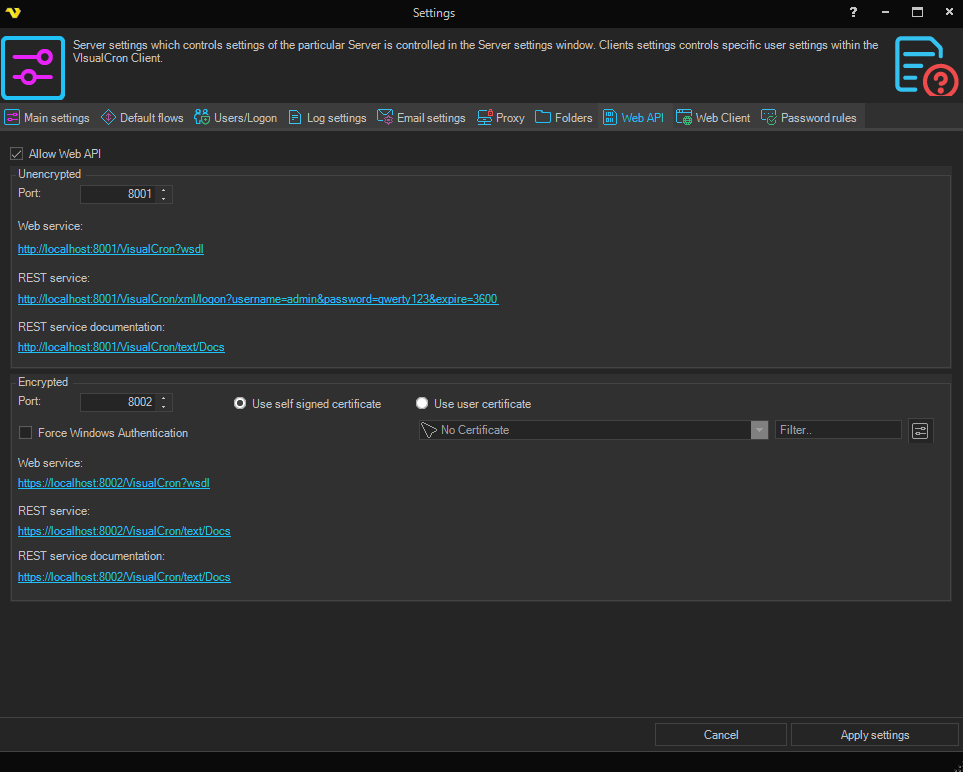
Allow Web API
Enables the Web API.
Force Windows Authentication
If checked, the Web API requires Windows Authentication.
Unencrypted
For unencrypted communication you set the Port and are shown the links to the Web service, REST service and REST service documentation.
Encrypted
For encrypted communication you set the Port and are shown the same Web service, REST service and REST service documentation links. You also choose which certificate to use for the encrypted connection: Use self signed certificate or Use user certificate.