Task String - JSON Decode
The String - JSON Decode Task allows you to decode a JSON string from a file or value/Variable into formatted output.
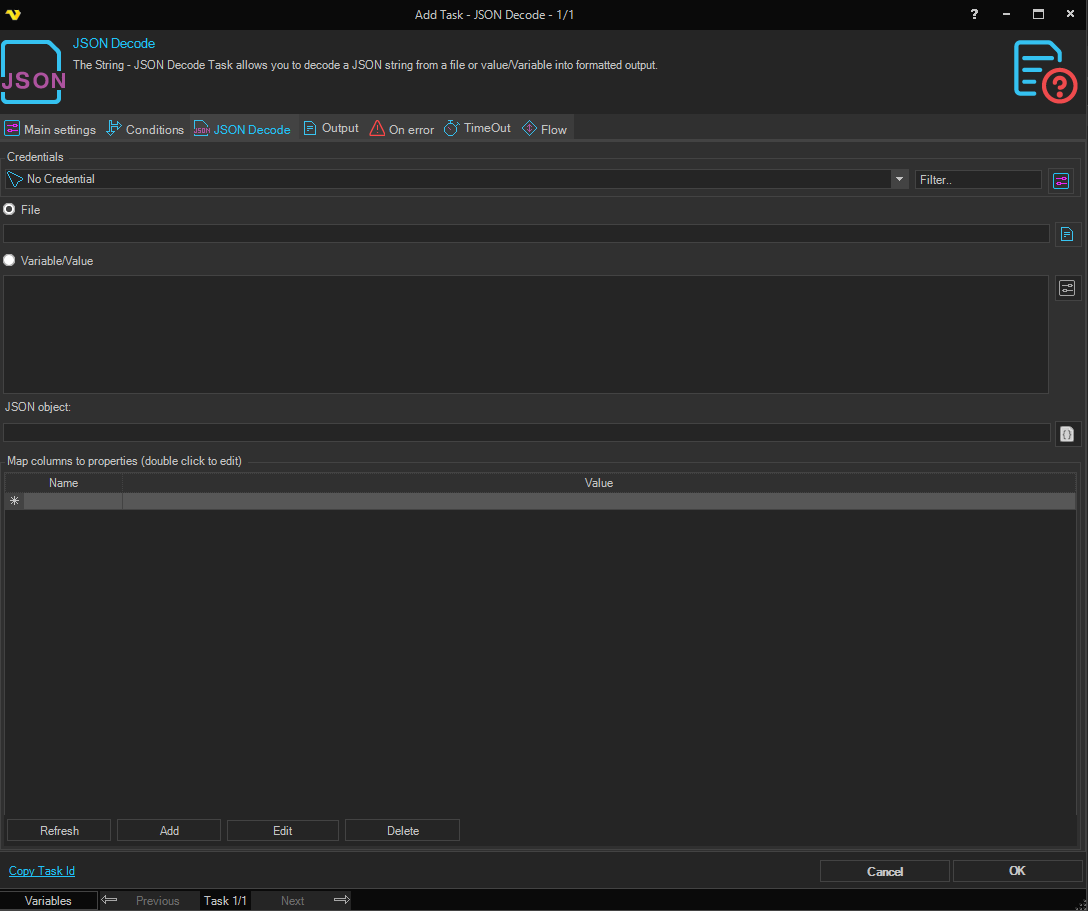
JSON Decode tab
JSON object
Choose whether the JSON object is read from a File or from a Variable/Value, then provide the JSON.
Map columns to properties
Optionally, you can configure mapping between object properties (including nested ones) and column names in the output. Use the Add, Edit, Delete and Refresh buttons to manage the mapping (you can also double click a row to edit it).
Output settings / Include field names
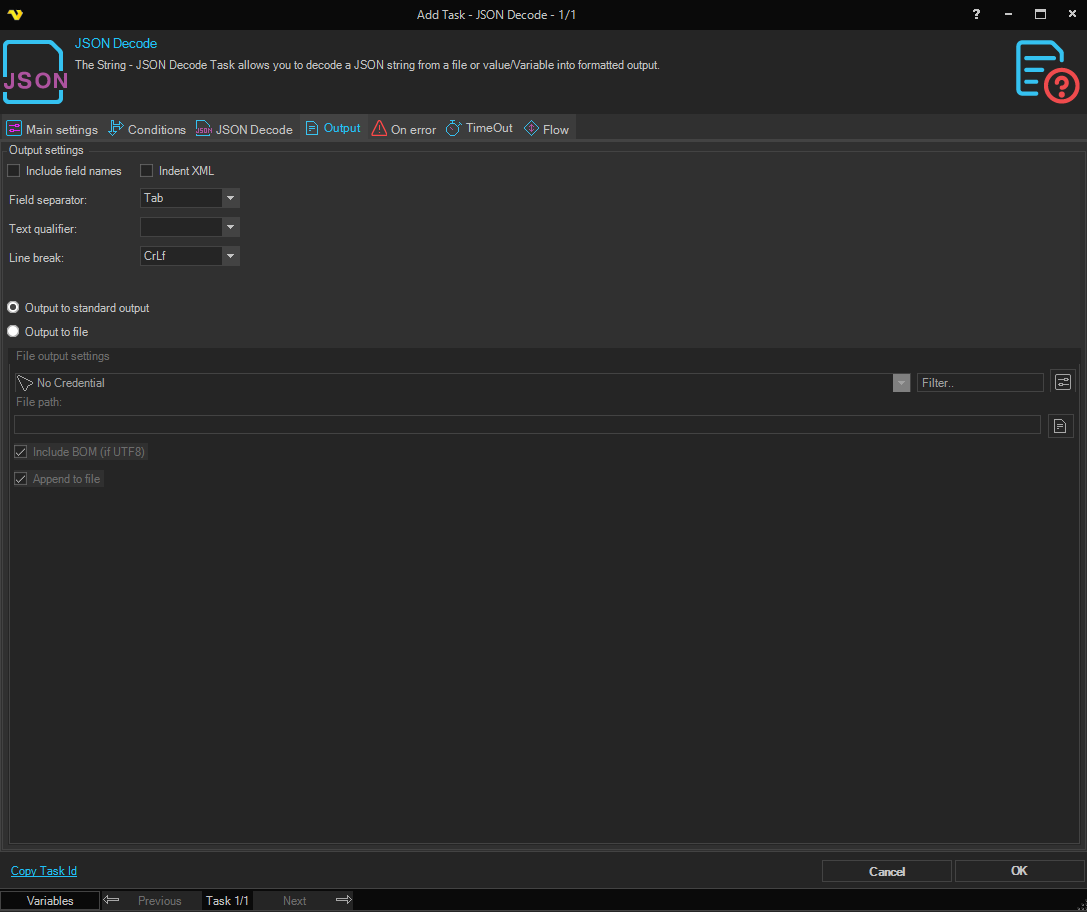
Write the column names in the first line of output.
Example input
[
  {
    "Property1": "Value1",
    "Property2": "Value2",
    "InnerArray": [{ "Value": "item1" }, { "Value": "item2" }]
  },
  {
    "Property1": "Value3",
    "Property2": "Value4",
    "InnerArray": [{ "Value": "item3" }, { "Value": "item4" }]
  }
]
Example output
Column1   Column2   ArrayColumn
Value1    Value2    item1
Value3    Value4    item3