Task System Restore - List Restore Points
The List restore points Task lists the Windows System Restore points on the Server computer or on a remote computer.
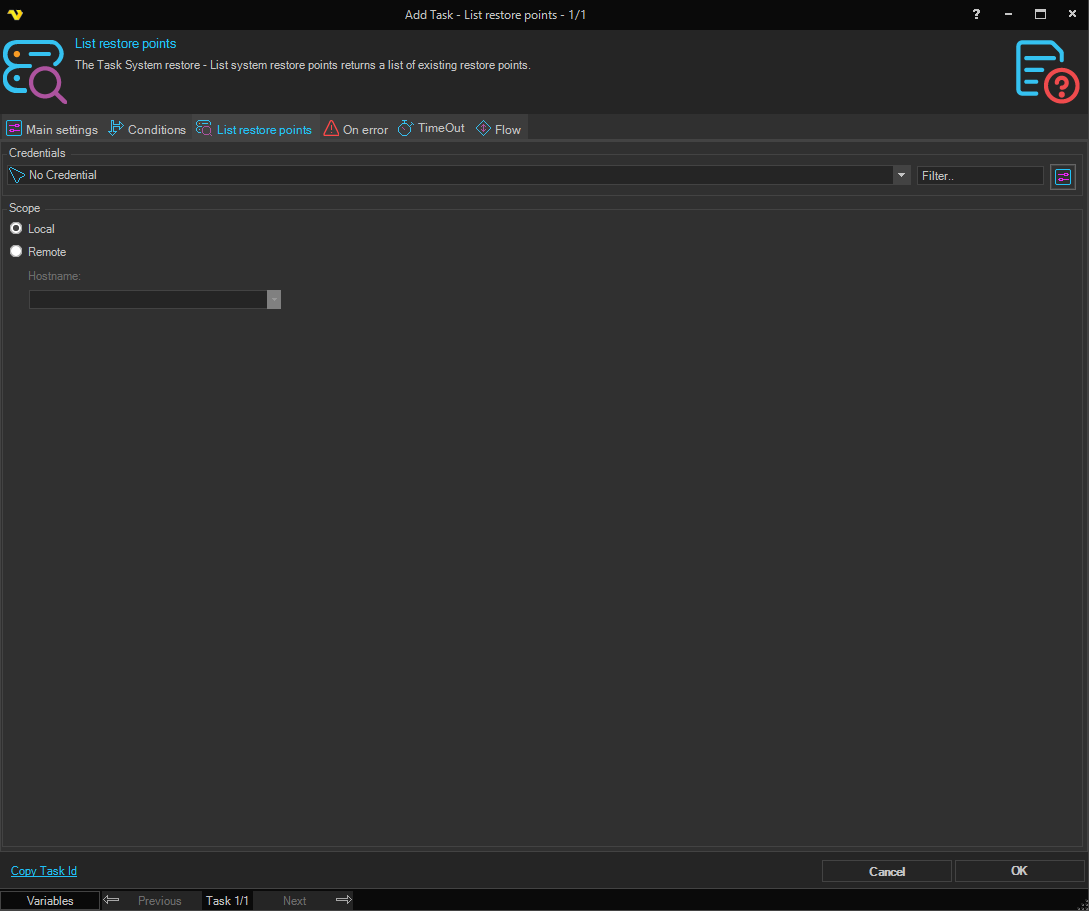
The Main settings, Flow, On error, Conditions and TimeOut tabs are the same for every Task; see Job - Tasks.
List restore points tab
Credentials
The Credential used to connect to the remote computer. Use it only with Remote: Windows does not accept a user name and password for a connection to the local computer, and the Task fails. Click the settings button to open Manage credentials; see Credentials.
Scope
- Local (default): lists the restore points on the Server computer
- Remote: lists the restore points on another computer
- Hostname: the name of the remote computer. Type it or select it from the list of network computers. Available with Remote
Output and errors
The output has one line for each restore point: its sequence number and its description, separated by a tab. Use the sequence number in the Perform system restore Task.