Task System Restore - Perform System Restore
The System restore - Perform system restore Task restores an existing system restore to original state.
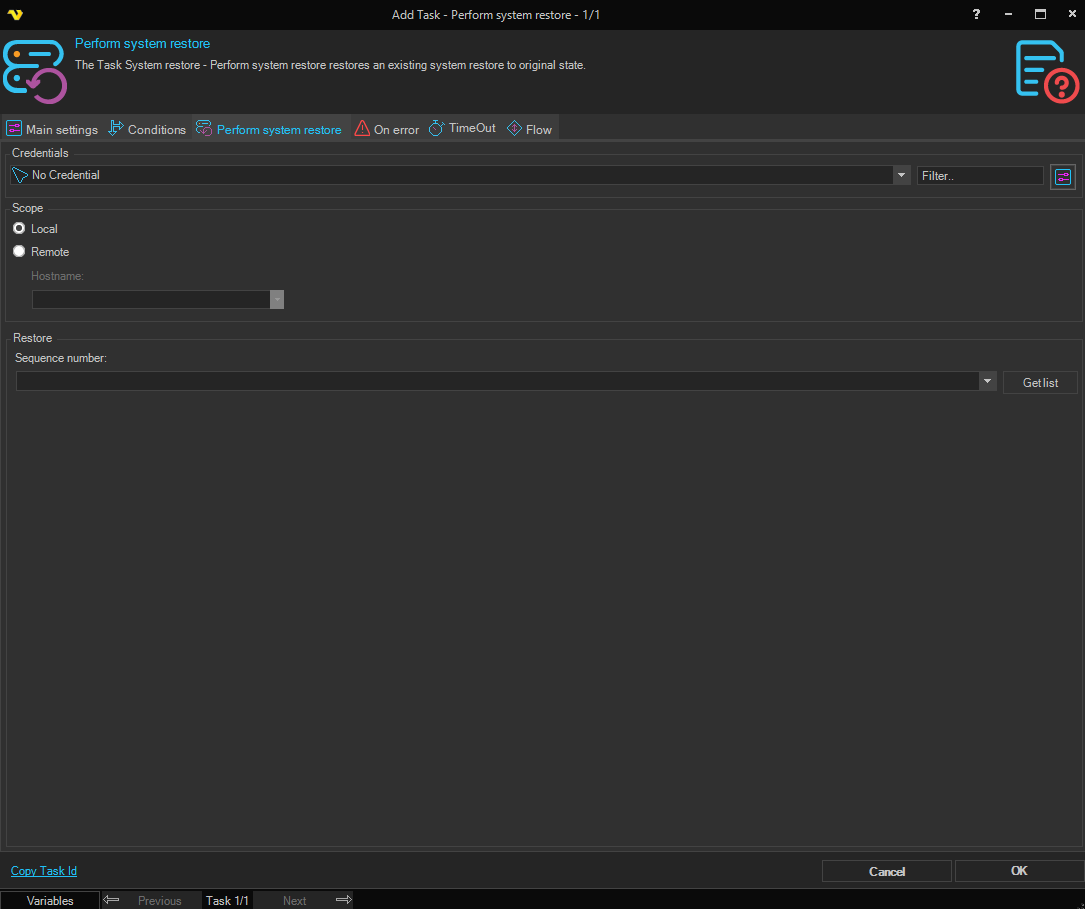
Credentials
To control a remote computer you may need to use a Credential. The Credential must match the user name and password of the user that you want to login for. Select a Credential in the combo box or click the Settings icon to open Manage credentials in order to add or edit Credentials.
Scope
Local / Remote
Select Local to perform the restore on the local computer. Select Remote to perform the restore on a remote computer. Defaults to Local.
Hostname
Enter the hostname of the remote computer, or select from the list of network computers. Only available when Remote is selected.
Restore
Sequence number
Select the restore point to restore to. Click the Get list button to populate the list with restore points from the local or remote computer. The list displays the following columns: Description, Event type, Restore point type, and # (sequence number).