Task Office365 - Delete Calendar Event
The Office365 - Delete Calendar event Task lets you delete a Calendar event in the Office365 cloud. The Task uses the Office365 Connection.
Office365 - Delete calendar event tab
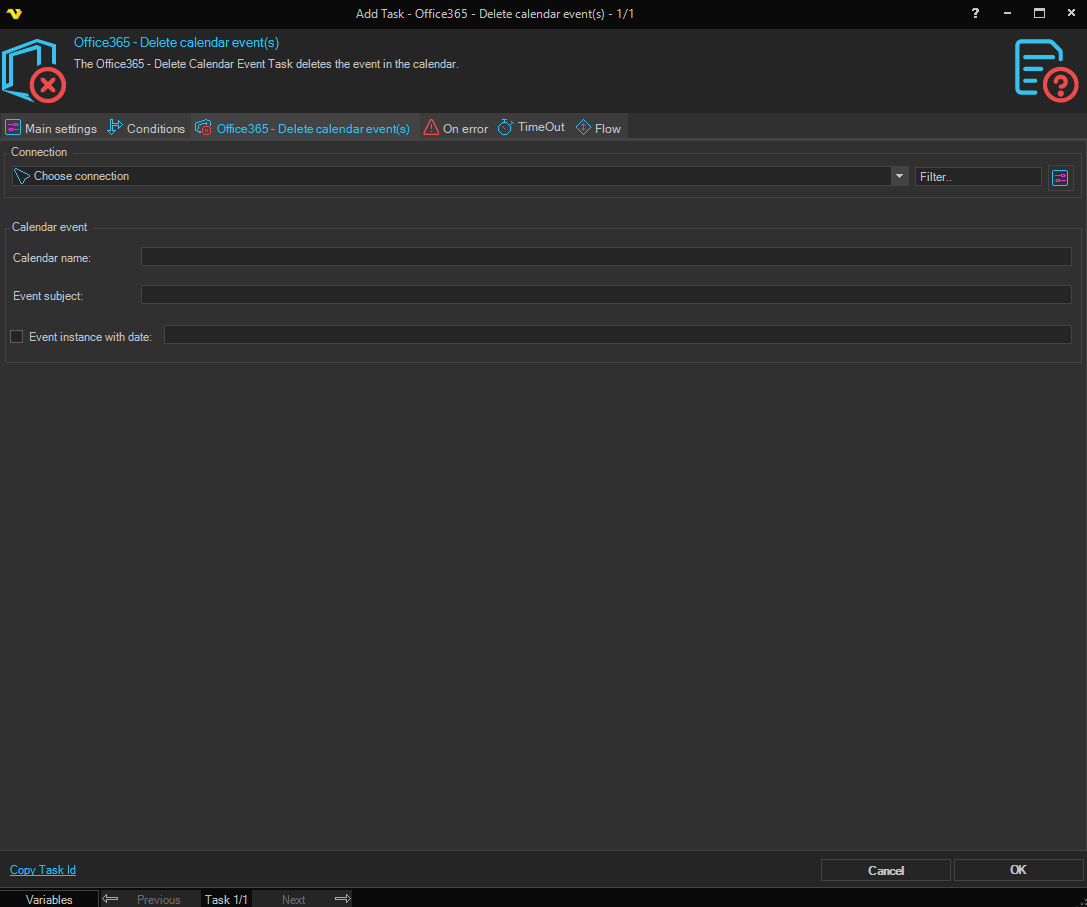
Connection
To use the Office365 Tasks you need to create a Connection first. Click the Settings icon to open the Manage Connections dialog.
Calendar name
The name of the calendar that contains the event. Leave empty to use the default calendar.
Event subject
The subject (title) of the calendar event to delete. Required.
Event instance with date
When checked, only the single occurrence of a recurring event on the specified date is deleted; the rest of the series is preserved. Enter the date of the occurrence in the field next to the checkbox. When unchecked, the event (and any series it belongs to) is deleted in full.