Task Service - Restart Service
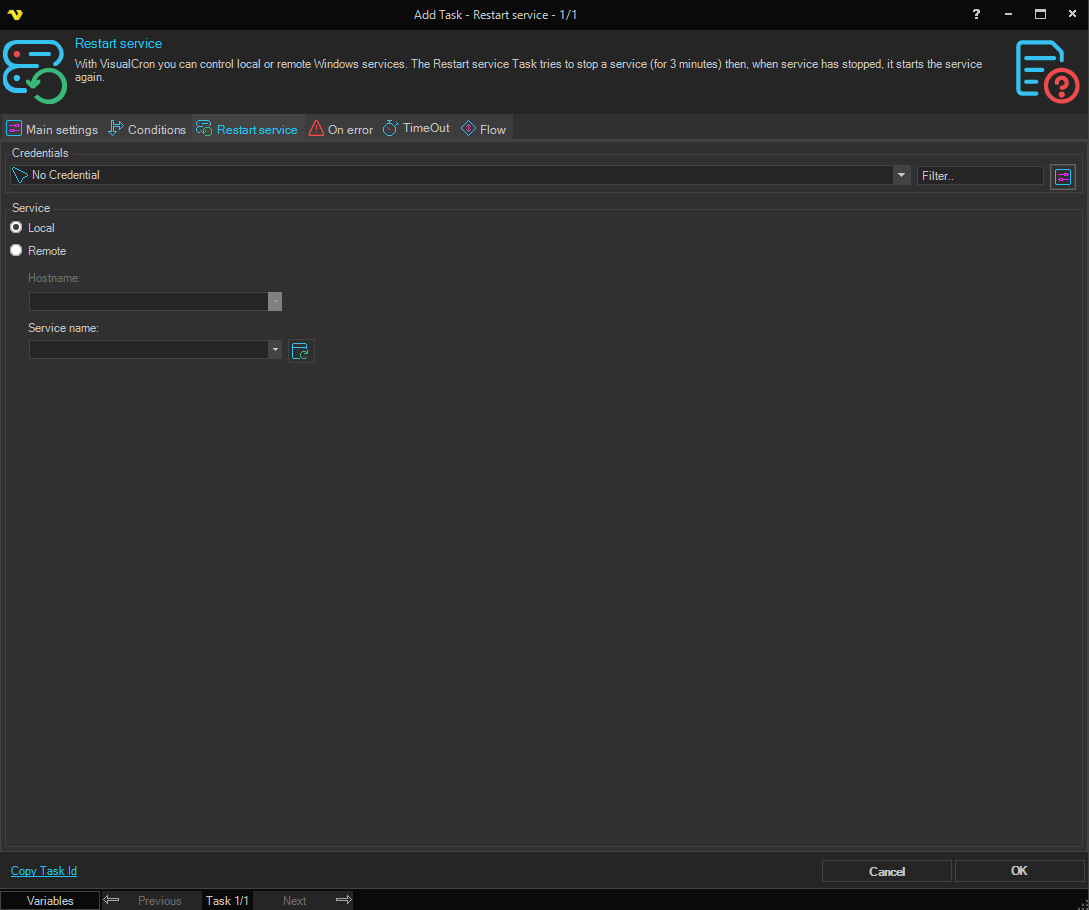
With VisualCron you can control local or remote Windows services. The Restart service Task tries to stop a service (for 3 minutes) then, when service has stopped, it starts the service again.
Credentials
To control a remote computer you may need to use a Credential. The Credential must match the user name and password of the user that you want to login for. Select a Credential in the combo box or click the Settings icon to open Manage credentials in order to add or edit Credentials.
Service
Local / Remote
Select the Local radio button if you want to restart a service on the local computer, select the Remote radio button if you want to restart a service on a remote computer.
Hostname
The name of the remote computer. Only available when Remote is selected.
Service name
The name of the service to restart. Type a service name or click the Refresh button to populate the list with available services from the selected local or remote computer.