Task Virtual Server - List VM Machines
The Virtual Server - List VM Machines Task lists the virtual machines on Microsoft Virtual Server, on the VisualCron Server computer or on a remote computer.
warning
If Virtual Server reports an error, the error is written to standard error, and the Task reports success. To catch it, check the standard error output, for example with the output conditions on the On error tab (see Task - On Error).
The Main settings, Flow, On error, Conditions and TimeOut tabs are the same for every Task; see Job - Tasks.
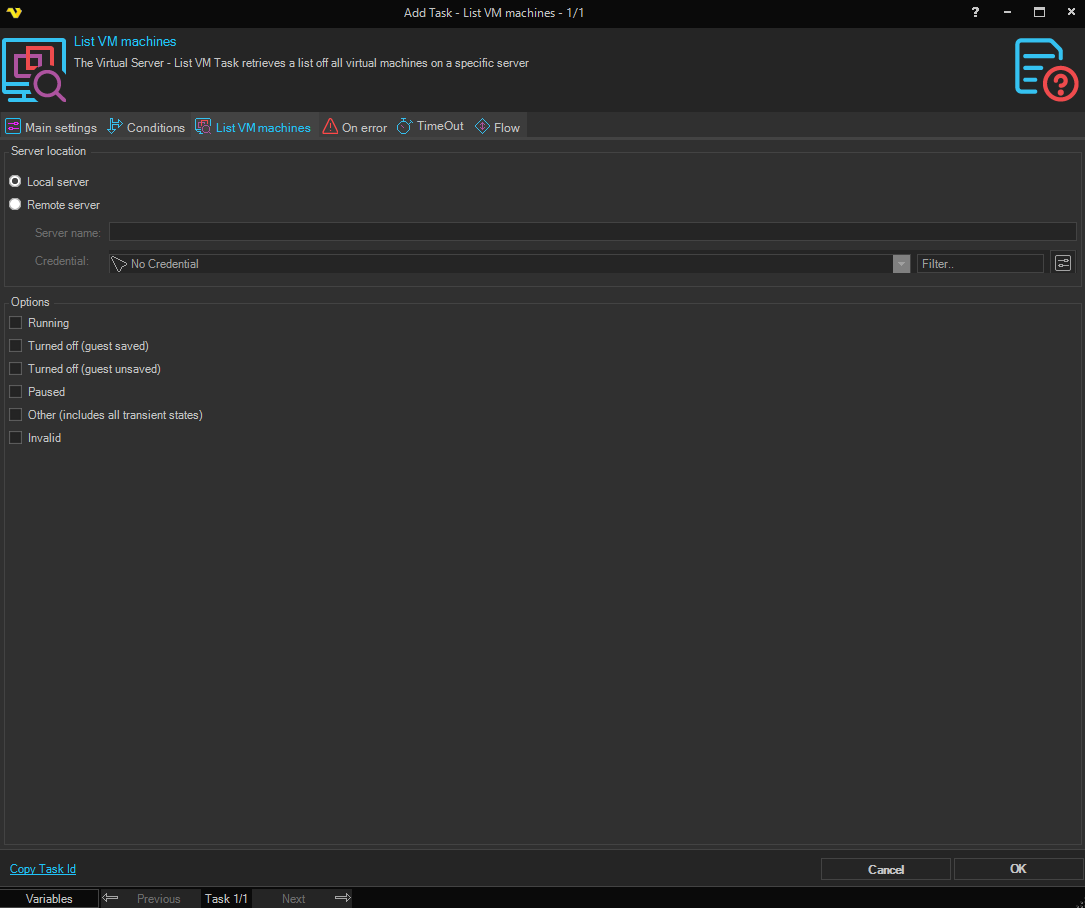
List VM machines tab
- Local server: control Virtual Server on the VisualCron Server computer. Selected by default
- Remote server: control Virtual Server on another computer
- Server name: the DNS name or IP address of the remote computer. Variables are replaced in this field
- Credential: the Credential to sign in to the remote computer, with its domain, user name and password. Required with Remote server. Click the Settings icon to add or edit Credentials
- Running, Turned off (guest saved), Turned off (guest unsaved), Paused, Other (includes all transient states) and Invalid: the states to include in the list. None is checked by default
Output and errors
The output has the name of each matching virtual machine on its own line. If the Credential is not found, or an unexpected error occurs, the Task fails.