Task Virtual Server - Turn Off VM
The Virtual Server - Turn off VM Task turns off a specific virtual machine.
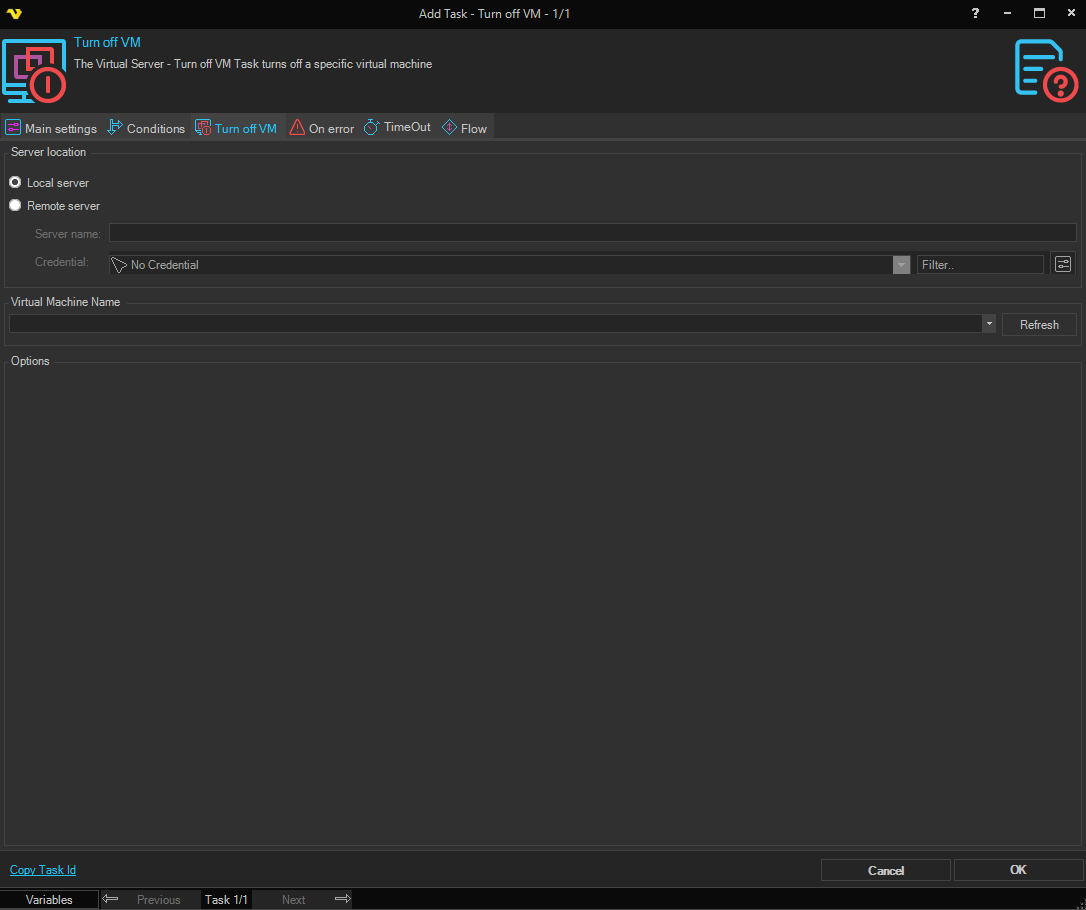
Turn Off VM > Connection tab
Remote VMWare server / Local VMWare workstation
Select Remote VMWare server to connect to a remote VMWare server, or Local VMWare workstation to use the local machine.
Connection
Select the VMWare connection to use. Only enabled when Remote VMWare server is selected.
Server VMX path
The path to the virtual machine's VMX file on the remote server. Click the Refresh button to populate the list from the selected connection. Only enabled when Remote VMWare server is selected.
Local VMX path
The path to the virtual machine's VMX file on the local machine. Click the File icon to browse. Only enabled when Local VMWare workstation is selected.
Timeout in seconds
The number of seconds to wait before timing out the operation. Minimum is 1, maximum is 36000, default is 180. Note that a Timeout tab setting on the task overrides this value.
Turn Off VM > VM Task settings tab
Destination
Stop type
The method used to turn off the virtual machine. Available options:
- Hard - immediately powers off the virtual machine (equivalent to pulling the power)
- Soft - requests the guest OS to perform a graceful shutdown (default)
- TrySoft - attempts a soft shutdown first; falls back to hard power off if unsuccessful