Task Amazon EC2 - Create Snapshot
The Amazon EC2 - Create snapshot Task creates a snapshot of an Amazon EBS volume, which Amazon stores in Amazon S3, using an Amazon Connection. Use snapshots for backups, to make copies of volumes, and to save data before you shut down an instance.
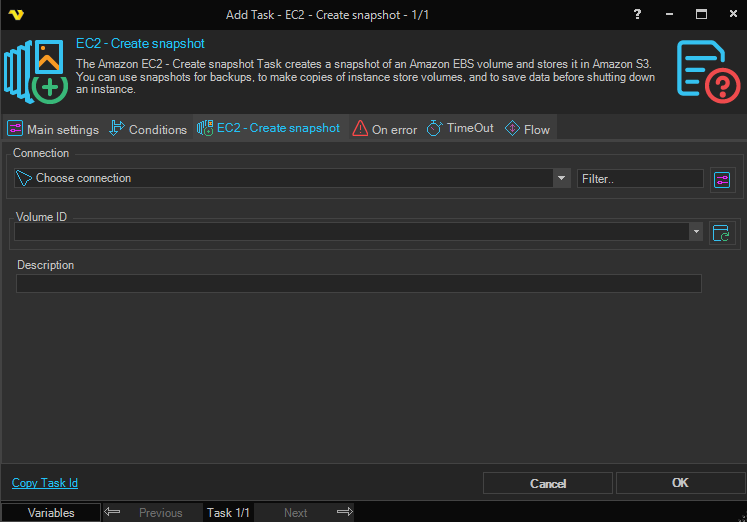
The Main settings, Flow, On error, Conditions and TimeOut tabs are the same for every Task; see Job - Tasks.
EC2 - Create snapshot tab
- Connection: the Amazon Connection to use; see Connection - Amazon. Click the button next to the list to manage Connections. The Client asks you to select a Connection before it saves the Task
- Volume ID: the ID of the EBS volume. Click the refresh button to fill the list with the volumes that the Server finds with the Connection. Variables are not resolved in this field
- Description: a description of the snapshot and what it is used for. Variables are not resolved in this field
Output and errors
When the snapshot is created, the Task writes the ID of the new snapshot to the Task output.
When the Connection cannot be found, or Amazon returns an error, the Task fails. To change how the Task responds to errors, see Task - On error.