Task Amazon EC2 - Start Instance
The Amazon EC2 - Start instance Task starts an instance that uses an Amazon EBS volume as its root device.
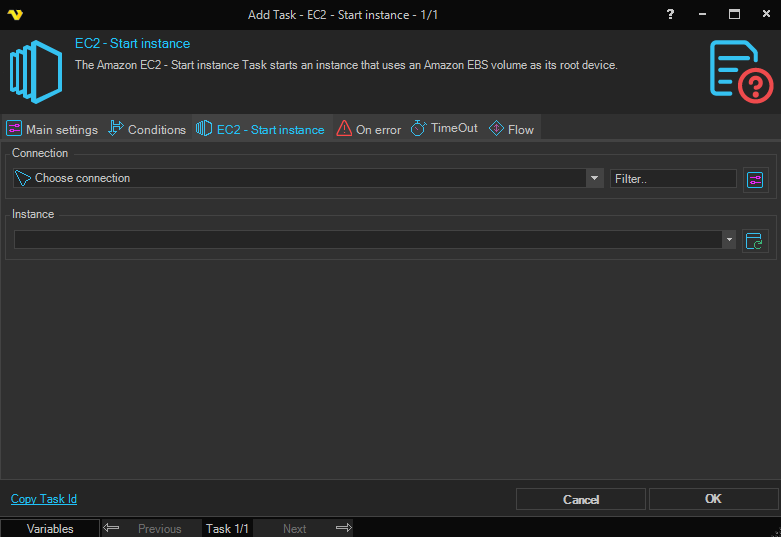
Connection
To use Amazon EC2 Tasks you need to create an Amazon Connection first. Click the Settings icon to open the Manage Connections dialog.
Instance
The instance ID to start. Click the Refresh icon to populate the drop-down instance ID list.