Task Amazon EC2 - List Key Pairs
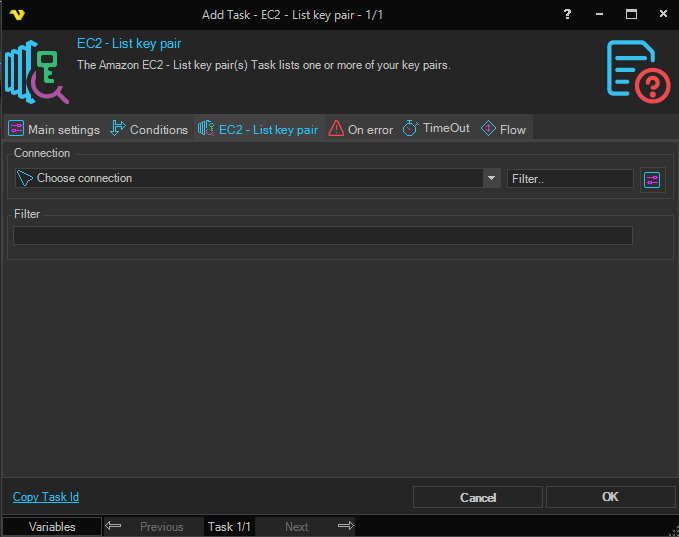
The Amazon EC2 - List key pair(s) Task is meant to list your key pairs, using an Amazon Connection.
The Main settings, Flow, On error, Conditions and TimeOut tabs are the same for every Task; see Job - Tasks.
EC2 - List key pair tab
- Connection: the Amazon Connection to use; see Connection - Amazon. Click the button next to the list to manage Connections. The Client asks you to select a Connection before it saves the Task
- Filter: the filter for the key pairs, in the format of the example below. Variables are not resolved in this field
Example
@{Name="key-name"; Values="websvr-keypair"}
warning
The Task does not send a request to Amazon and does not use its settings: it writes no output, and the Task reports success. To see your key pairs, use the AWS console or tools, or the refresh button of Key pair name in the Launch Instance Task.
Output and errors
The Task writes no output and does not fail, even when the Connection does not exist.