Task XML - Create Node
The Create Node Task adds a node to an existing XML file. An XPath expression selects the parent nodes, and the Task adds the new node, with its value and attributes, to each parent node it selects.
The Main settings, Flow, On error, Conditions and TimeOut tabs are the same for every Task; see Job - Tasks.
The Task saves its changes to the XML file itself and keeps no copy of the original file.
The Task reads and saves the file under the account of the VisualCron Server. A Credential selected in Credentials is not used.
With "Skip" in If node already exists, the new node is still added to a parent that already has a child node with the same name, so that parent then has two nodes with that name.
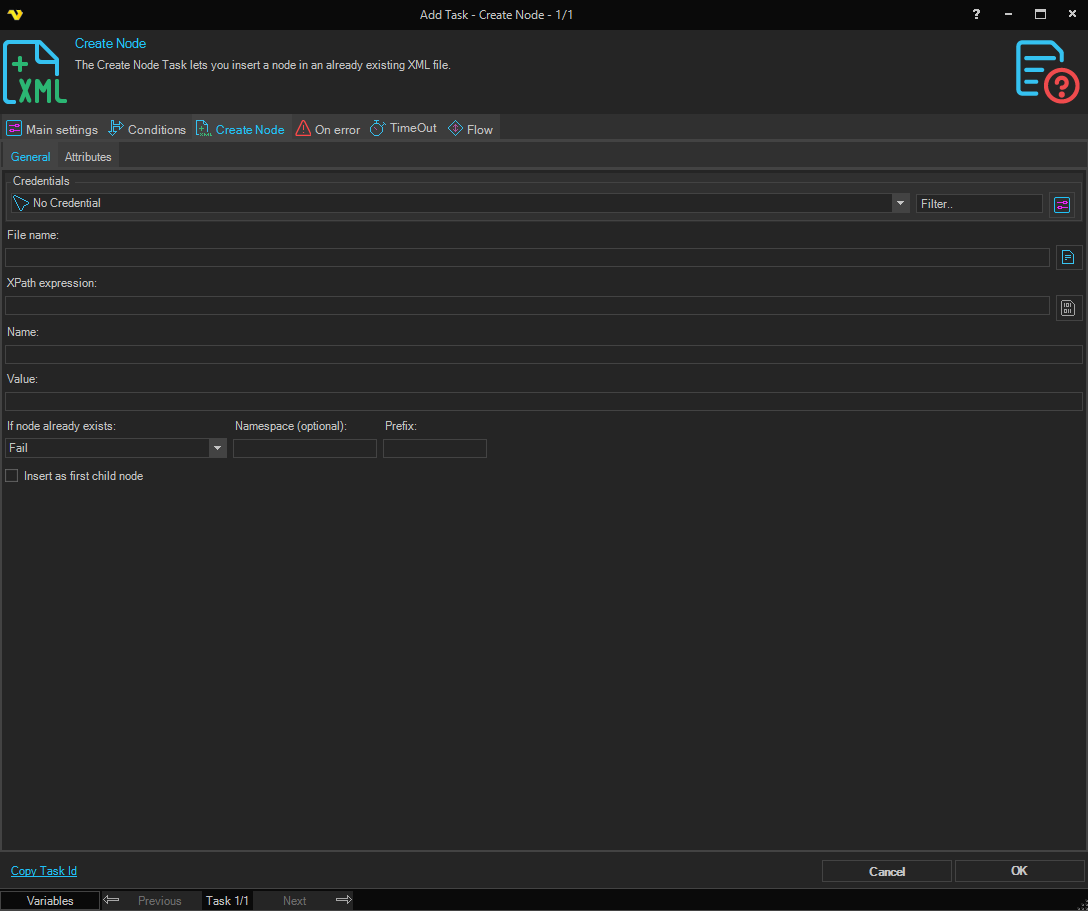
General tab
- Credentials: A Credential can be selected, but the Task does not use it. The account of the VisualCron Server needs read and write access to the file
- File name: The full path of the XML file. The file must exist
- XPath expression: The XPath expression that selects the parent nodes. The new node is added to every node that the expression selects. To build the expression, click the button next to the field and select a node in the XML Browser; the button is available when File name is set
- Name: The name of the new node
- Value: The text of the new node
- If node already exists: What the Task does when a parent node already has a child node with the same name. The default is "Fail"
- "Ignore": The new node is added
- "Skip": The new node is currently added, as with "Ignore"
- "Overwrite": The existing child nodes with that name are removed, and the new node is added
- "Fail": The Task fails, and the file is not saved
- Namespace (optional): The namespace URI of the new node
- Prefix: The namespace prefix of the new node
- Insert as first child node: When selected, the new node is added before the existing child nodes of the parent. When cleared, the default, it is added after them
Variables can be used in all of these fields and in the attribute names and values.
The XPath expression is run without a namespace list, so it cannot use namespace prefixes. To select nodes in a namespace, use local-name(), for example:
/*[local-name()='catalog']/*[local-name()='book']
Attributes tab
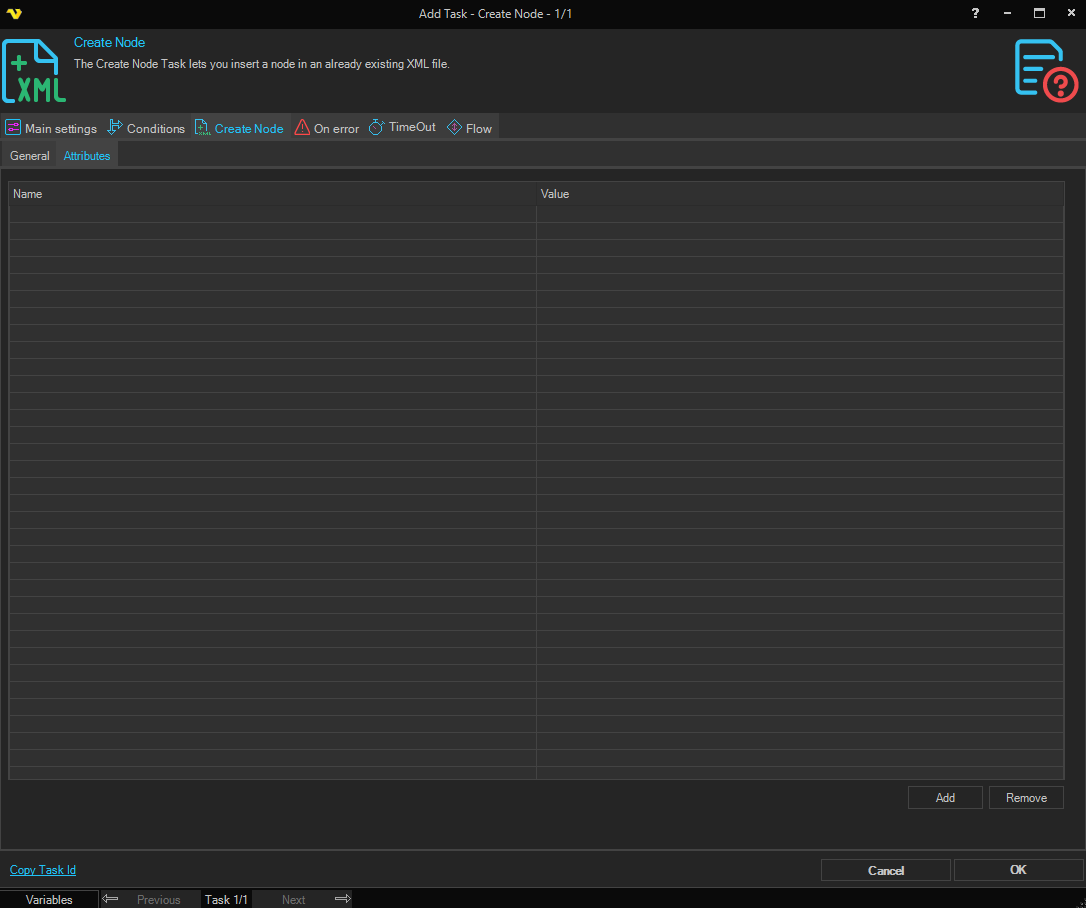
The attributes in this list are added to the new node. Click Add to add a row, then enter the Name and Value of the attribute. To delete a row, select it and click Remove.
Output and errors
- The output of the Task is the whole XML document after the change. When the Task fails, the output can show changes that were not saved to the file
- When the XPath expression selects no node, the Task fails with the error "Node does not exist.", and the file is not changed