Task XML - Validate
The XML - Validate Task checks that the XML files that its File filter selects are well formed, or valid against an XML schema or a DTD.
An XML document with correct syntax is well formed. A document that also follows the rules of its DTD or schema is valid.
The Main settings, Flow, On error, Conditions and TimeOut tabs are the same for every Task; see Job - Tasks.
A file that fails validation is reported as "Not OK", but this does not fail the Task: the Task raises the error "Contains error output", which is not selected by default on the On error tab, so the Task reports success. To have invalid files fail the Task, select "All errors" on the On error tab, or add an error condition on the error output there; see Task - On Error.
When the File filter finds no file, no error is raised, and the Task reports success.
With "Schema", when the Schema(s) File filter finds no schema file, every file is reported as "OK".
Validate: File filter tab
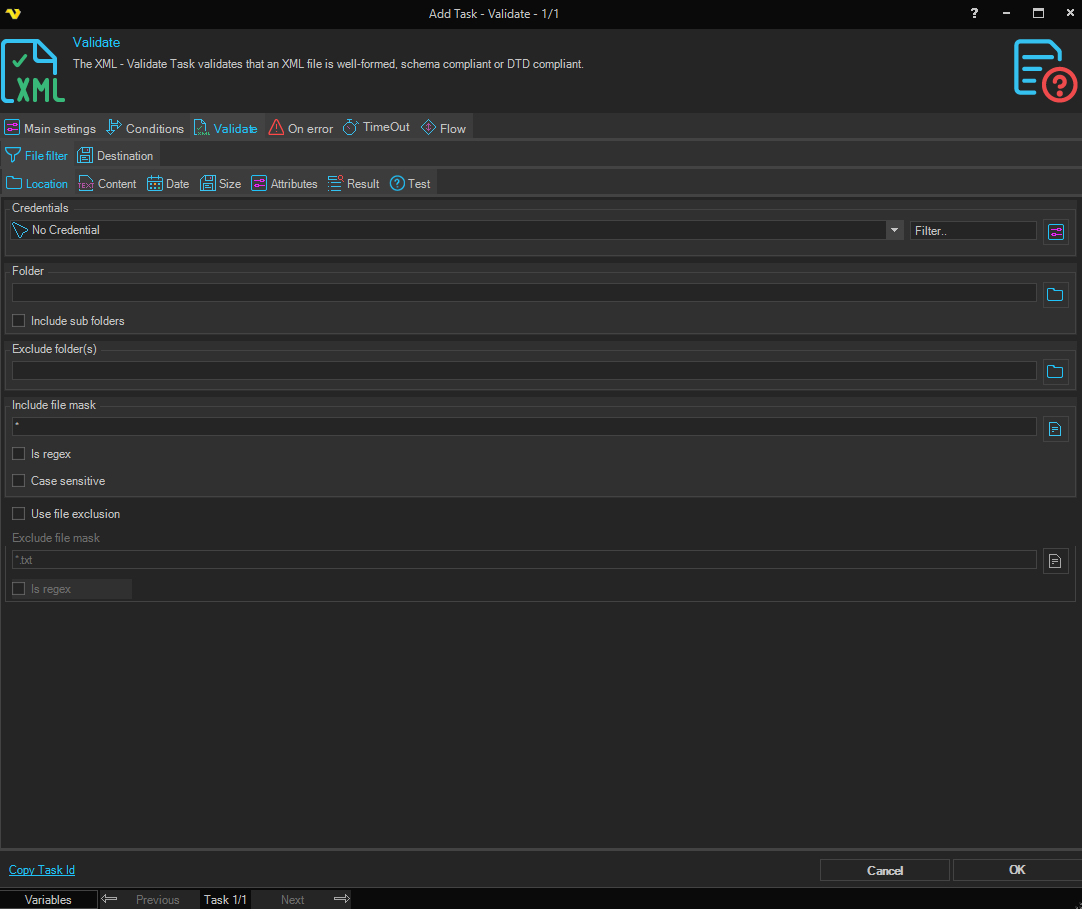
The File filter selects the XML files to validate; see File Filter. The Credential of the File filter is used to read the files.
Validate: Destination tab
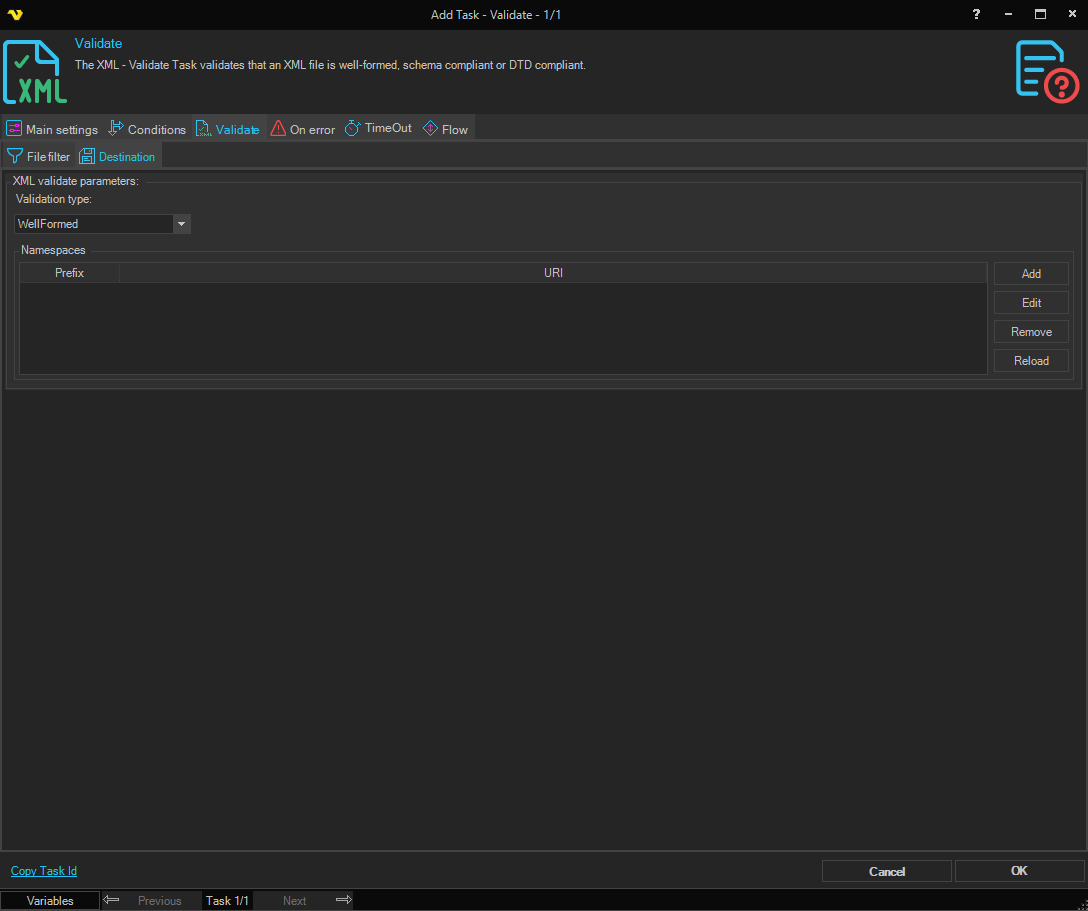
XML validate parameters
- Validation type: How the files are checked. The default is "WellFormed"
- "WellFormed": The syntax of the XML is checked, with no schema or DTD
- "Schema": The files are validated against the XML schema files (
.xsd) that the Schema(s) tab selects - "DTD": The files are validated against the DTD that they declare or contain
- Namespaces: A list of namespace prefixes and URIs. The list is saved with the Task, but the validation does not use it
Validate: Schema(s) tab
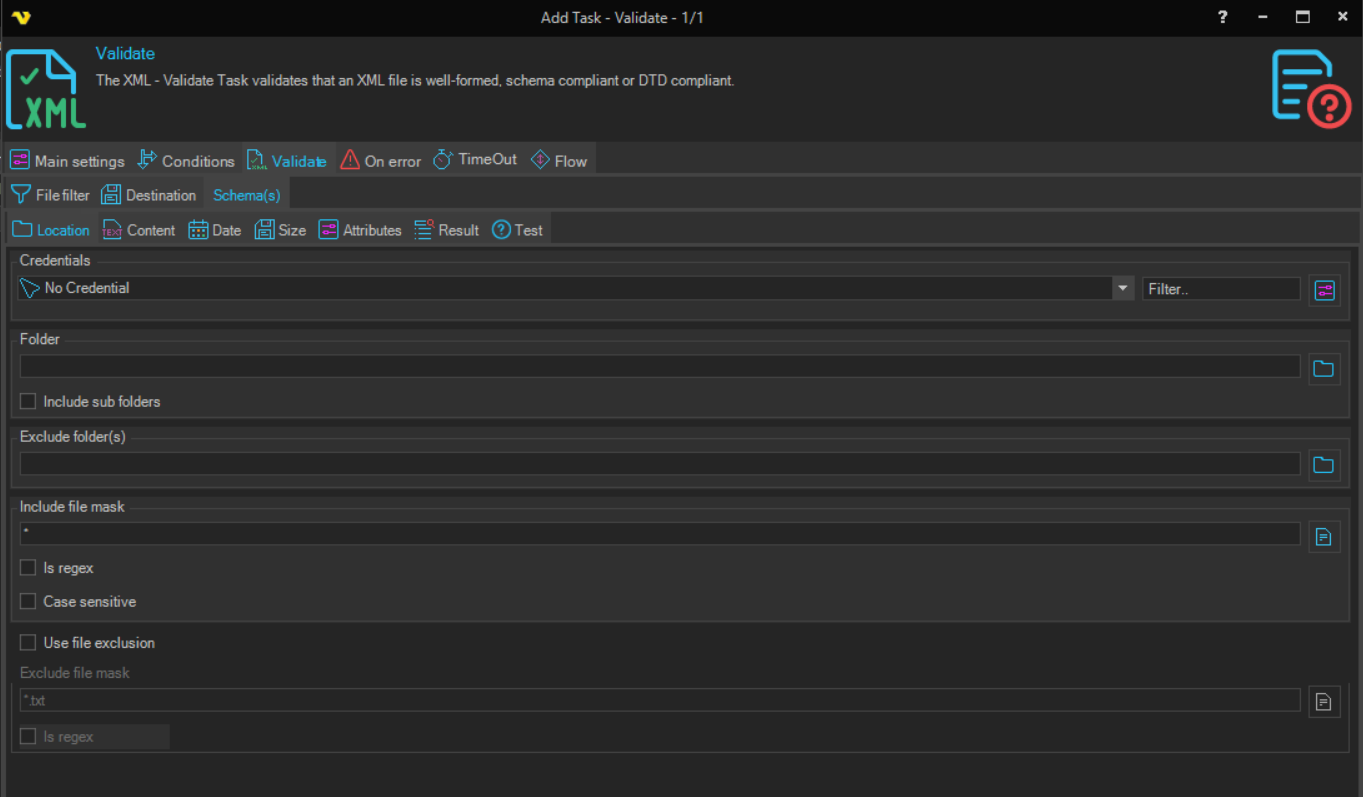
This tab is shown only when Validation type is "Schema". It is a File filter that selects the schema files to validate against; see File Filter. Each schema is added for its target namespace.
Output and errors
- The output has one entry per file: the file path followed by " - OK" or " - Not OK". When several files are checked, the entries follow each other without a separator
- For each file that is not OK, the validation errors are written to the error output
- All files are checked, also after a file that is not OK