Task Azure - Restart Web Site
The Azure - Restart Web Site Task restarts an existing web site in Azure, using a Microsoft Azure Connection.
The Main settings, Flow, On error, Conditions and TimeOut tabs are the same for every Task; see Job - Tasks.
Azure - Restart web site tab
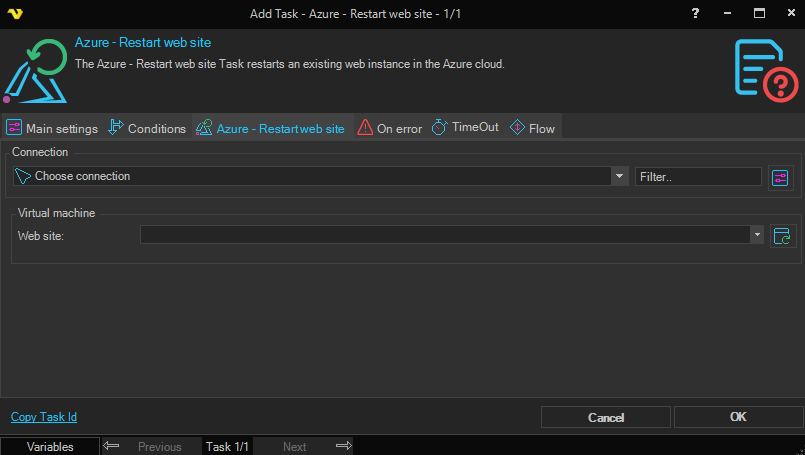
- Connection: the Microsoft Azure Connection to use; see Connection - Microsoft Azure. Click the Settings icon to open Manage Connections
- Web site: the name of the Azure web site. Click Refresh to fill the list
Output and errors
The Task writes no output. When Azure returns an error, the Task fails.
warning
When the selected Connection no longer exists, the Task does nothing, writes no output, and the Task reports success.