Task Interactivity - Play Sound
The Play sound Task plays a sound file on the computer where the VisualCron Server runs, and normally ends when playback ends. If playback has not started within about half a second, the Task ends without waiting.
The Server plays the file through the Windows multimedia interface. If Windows on the Server computer cannot play the file's format, install the codec for that format on the Server computer.
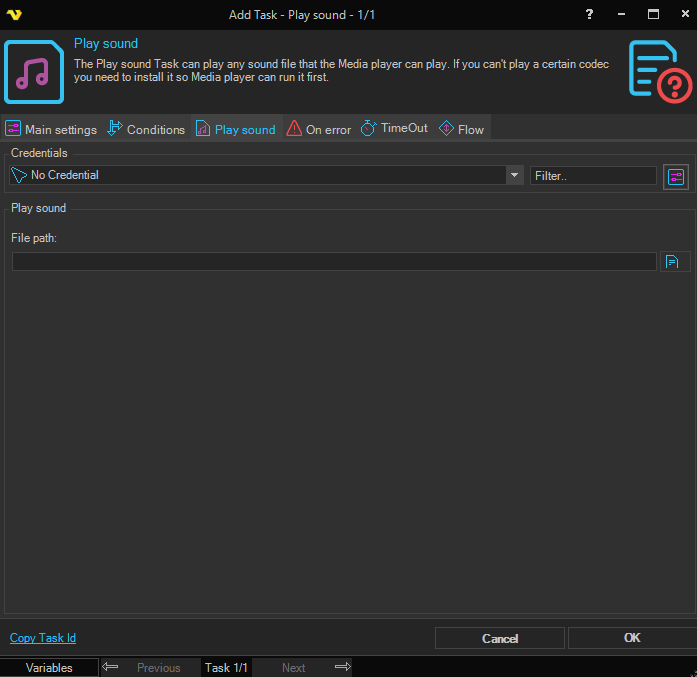
The Main settings, Flow, On error, Conditions and TimeOut tabs are the same for every Task; see Job - Tasks.
Play sound tab
Credentials
- Credentials: The Credential the Server uses to read the sound file, for example from a network share. With "No Credential", the Server reads the file as its own service account. Click the Settings icon to open Manage credentials and add or edit Credentials
Play sound
- File path: The full path of the sound file, as the Server computer sees it. Required. Variables are resolved
Output and errors
- If the file does not exist, the Task fails with "Could not Start playback of sound. File does not exist."
warning
If the file exists but Windows cannot play it, nothing is played, and the Task reports success.