Task Interactivity - Wait
The Wait Task pauses the Job for a set time. The next Task starts when the wait ends.
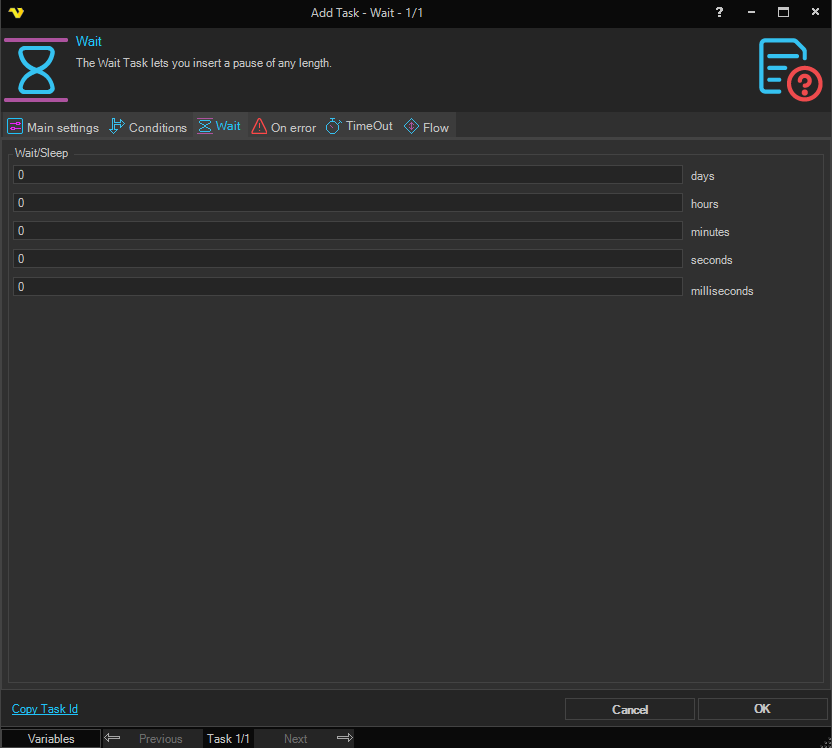
The Main settings, Flow, On error, Conditions and TimeOut tabs are the same for every Task; see Job - Tasks.
Wait tab
Enter the length of the wait in one or more of the fields in the Wait/Sleep group. The Task adds them up, so values larger than the unit allow, such as "90" minutes, are accepted. Each field is "0" by default and accepts a Variable that resolves to a number.
- days
- hours
- minutes
- seconds
- milliseconds
The wait counts from the start of the Task. If the TimeOut tab sets a shorter time, the Task times out before the wait ends.
Output and errors
- If a field is empty, or holds a value that is not a number, the Task fails