Task Image - Flip
The Image flip Task flips an image horizontally or vertically.
Image flip > File filter sub tab
In the File filter tab you define which image that should be flipped. Read more about file filter here.
Image flip > Destination sub tab
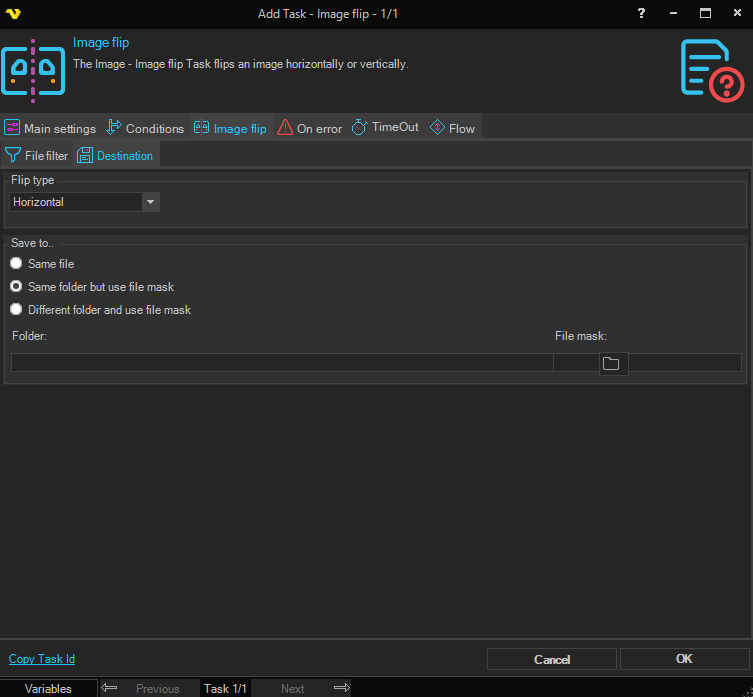
Flip type
Select the direction to flip the image. Options: Horizontal, Vertical.
Save to
Select where to save the flipped image:
- Same file — Overwrites the original source file.
- Same folder but use file mask — Saves to the same folder with a new file name specified in File mask.
- Different folder and use file mask — Saves to a different folder with a new file name.
Folder
The destination folder path. Only available when Different folder and use file mask is selected.
File mask
The file name to use for the saved image. Available when Same folder but use file mask or Different folder and use file mask is selected.