Task Internal - Remove Variable
The Remove Variable Task deletes a User Variable. Job Variables are removed in the Job's Job Variables window.
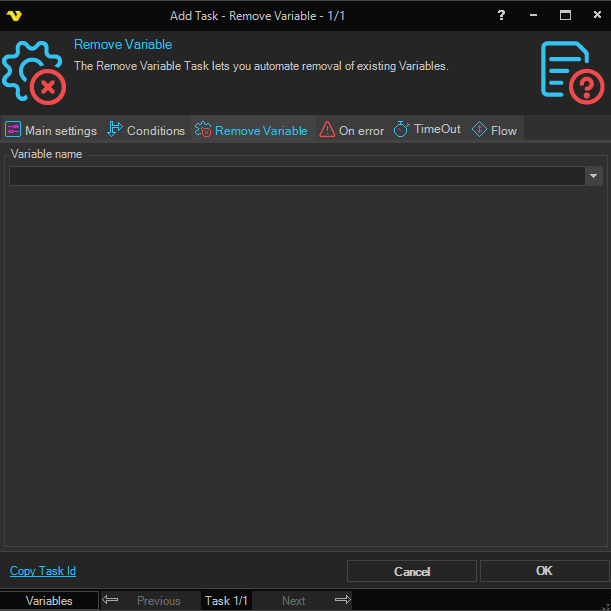
Variable name
Select or type the name of the User Variable to remove; Variables can be used in the name. If User Variables exist, a new Task selects the first one, so check the name before you save.
Result
The removal is saved and cannot be undone. The output is Variable '<name>' was removed. If the Variable does not exist, the Task fails.
The Task does not check the permissions of the user who started the Job: anyone who can run the Job can remove the Variable, so limit who can run it.