Task Office - Excel - Convert
The Excel - Convert Task is able to convert an Excel file into various Excel formats and text files
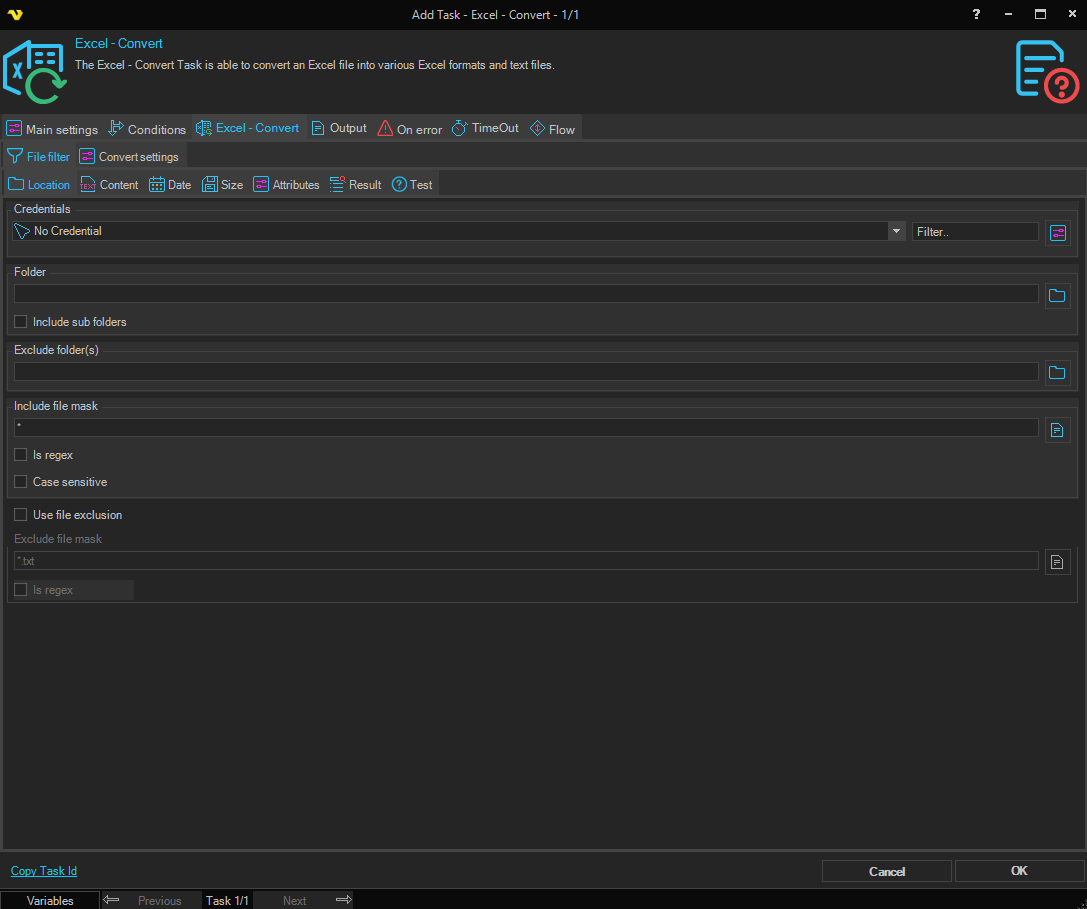
Excel - Convert > File filter sub tab
The Excel Convert Task uses the standard VisualCron File filter to define the source file to be converted.
Excel - Convert > Convert settings sub tab
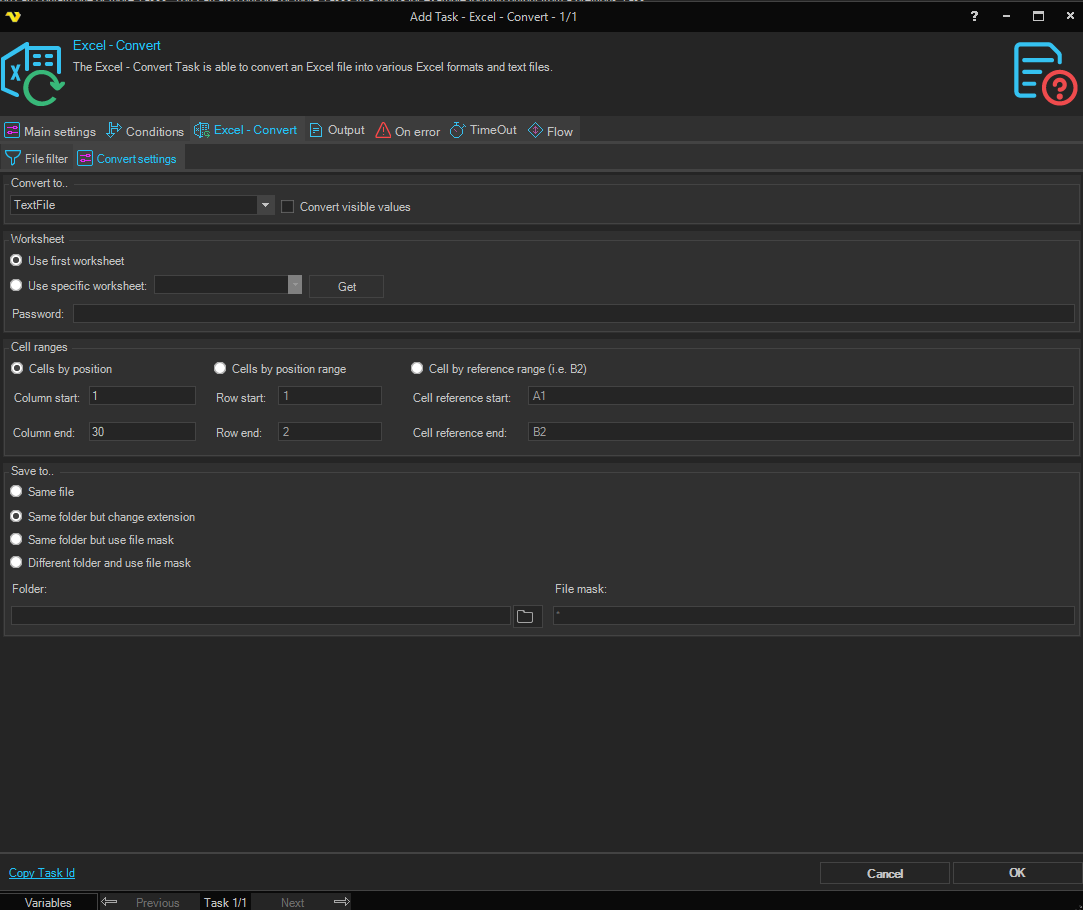
Convert to..
Select the desired format of the destination file.
Convert visible values
When checked, converts the visible (formatted) cell text rather than the underlying cell values. Only available when converting to a text file format.
Worksheet
The Worksheet group and Cell ranges group are only active when converting to a text file format.
Use first worksheet / Use specific worksheet
Select Use first worksheet to use the first worksheet in the workbook. Select Use specific worksheet to choose a specific worksheet.
Worksheet
Select the worksheet to convert. Only available when Use specific worksheet is selected. Click the Get button to populate the list with worksheets from the selected file.
Password
Enter the password for the Excel file, if it is password protected.
Cell ranges
Cells by position
Converts cells identified by column positions only.
- Column start — The starting column number.
- Column end — The ending column number.
Cells by position range
Converts a range of cells identified by column and row positions.
- Column start — The starting column number.
- Row start — The starting row number.
- Column end — The ending column number.
- Row end — The ending row number.
Cell by reference range (i.e. B2)
Converts a range of cells identified by cell references.
- Cell reference start — The starting cell reference of the range.
- Cell reference end — The ending cell reference of the range.
Save to ..
- Same file — Overwrites the original source file.
- Same folder but change extension — Saves to the same folder with the same file name but changes the file extension to match the selected format.
- Same folder but use file mask — Saves to the same folder with a new file name specified in File mask.
- Different folder and use file mask — Saves to a different folder with a new file name.
Folder
The destination folder path. Only available when Different folder and use file mask is selected.
File mask
The file name to use for the saved file. Available when Same folder but use file mask or Different folder and use file mask is selected.