Task Office - Excel - Recalculate
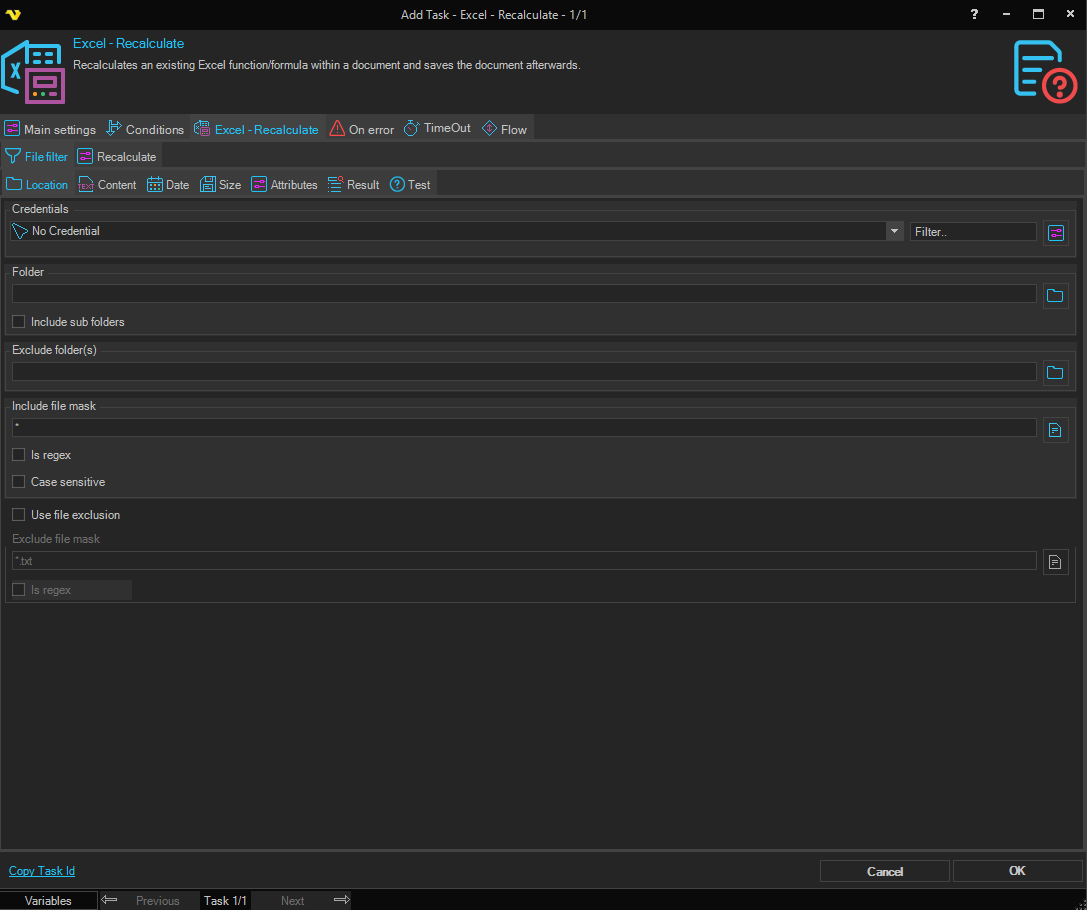
Recalculates an existing Excel function/formula within a document and saves the document afterwards. This Task cannot update data from other data sources. Use the Office Macro Task for that.
Excel - Recalculate > File filter sub tab
In the File filter tab you define which files should be recalculated. Read more about file filter here.
Excel - Recalculate > Recalculate sub tab
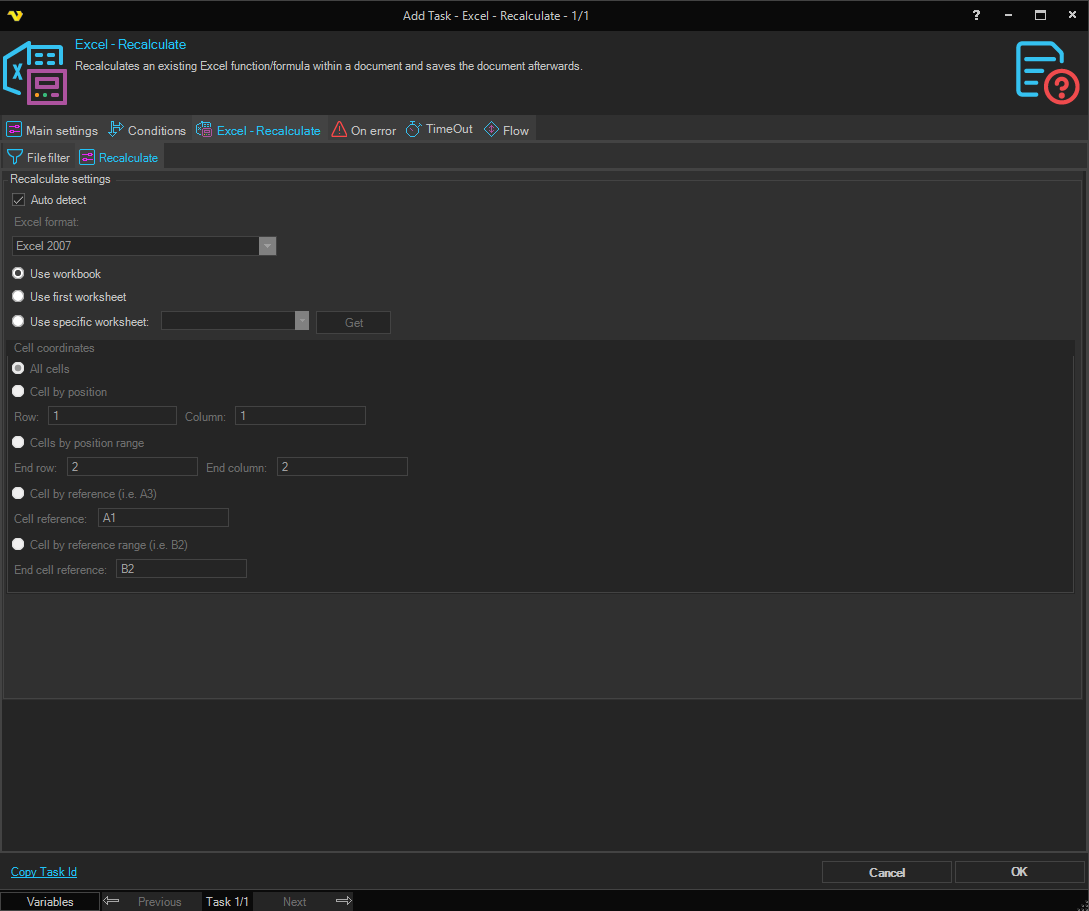
Recalculate settings
Auto detect
When checked, VisualCron automatically detects the Excel file format. When unchecked, the Excel format must be specified manually.
Excel format
Select the Excel file format to use when saving the recalculated file. Only available when Auto detect is unchecked. Note that older Excel formats only support recalculating the entire workbook and do not support recalculating specific cells, ranges, or worksheets.
Use workbook / Use first worksheet / Use specific worksheet
Select the scope of recalculation. Select Use workbook to recalculate all formulas in the entire workbook. Select Use first worksheet to recalculate the first worksheet only. Select Use specific worksheet to recalculate a specific worksheet.
Worksheet
Select the worksheet to recalculate. Only available when Use specific worksheet is selected. Click the Get button to populate the list with worksheets from the selected file.
Cell coordinates
Specifies which cells to recalculate within the selected worksheet. Not available when Use workbook is selected.
All cells
Recalculates all cells in the selected worksheet. No additional fields required.
Cell by position
Recalculates a single cell identified by its row and column position.
- Row — The row number of the cell.
- Column — The column number of the cell.
Cell by reference (i.e. A3)
Recalculates a single cell identified by its reference.
- Cell reference — The cell reference (for example, A3).
Cells by position range
Recalculates a range of cells identified by row and column positions.
- Row — The starting row of the range.
- Column — The starting column of the range.
- End row — The ending row of the range.
- End column — The ending column of the range.
Cell by reference range (i.e. B2)
Recalculates a range of cells identified by cell references.
- Cell reference — The starting cell reference of the range.
- End cell reference — The ending cell reference of the range.