Task System - Control Monitor
The Control monitor Task lets you turn on or off a monitor. Depending on the monitor type, the amount of power saved when turning off a monitor varies - but the monitor stands for a large amount of the total power consumption.
Some typical power consumption levels (watts) for computer equipment are:
- Desktop computer: 60W
- CRT (Cathode Ray Tube) monitor: 75W
- Flat screen monitor: 25W
- Laser jet printer: 7.2W
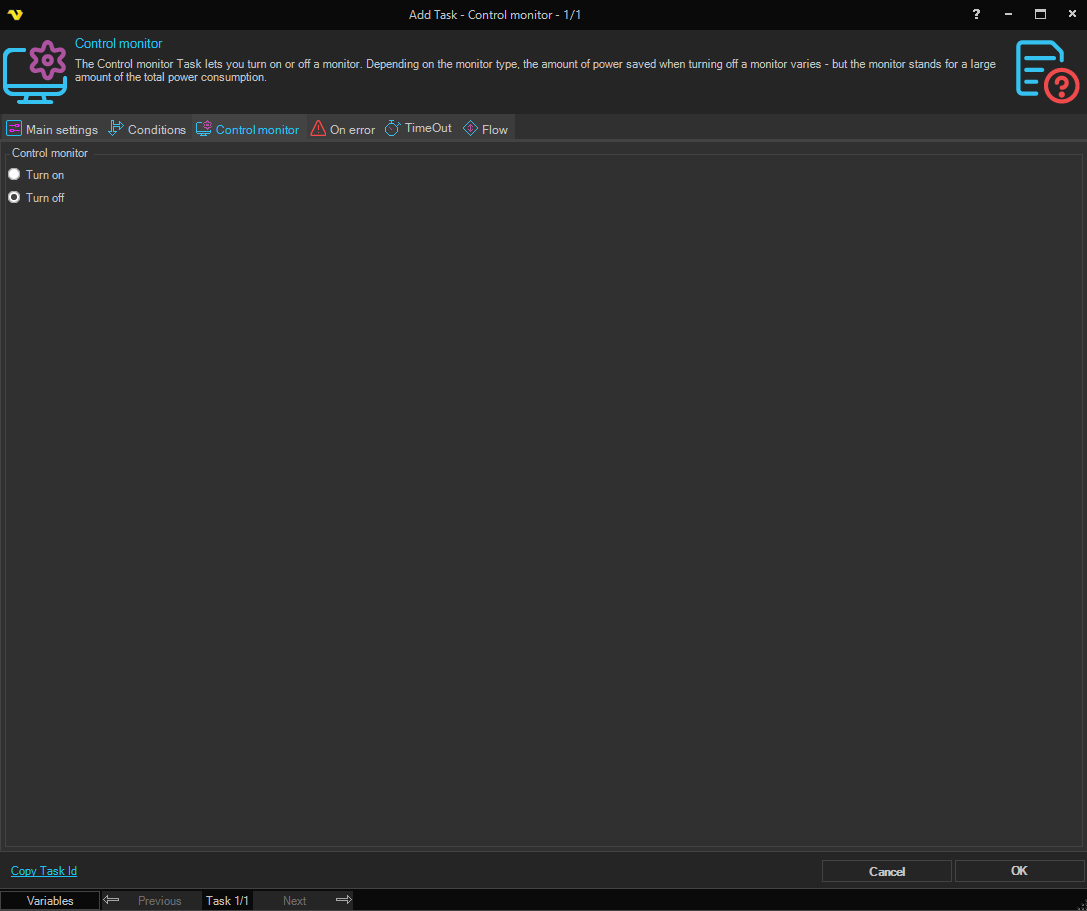
Control monitor
Turn on / Turn off
Select Turn on to power on the monitor. Select Turn off to power off the monitor. Defaults to Turn off.