Task System - Print Document
The Print document Task can print a document in number of formats like pdf, Word, images and text.
Print document > File filter sub tab
In the File filter tab you define which file that should be printed. Read more about file filter here.
Print document > Print settings sub tab
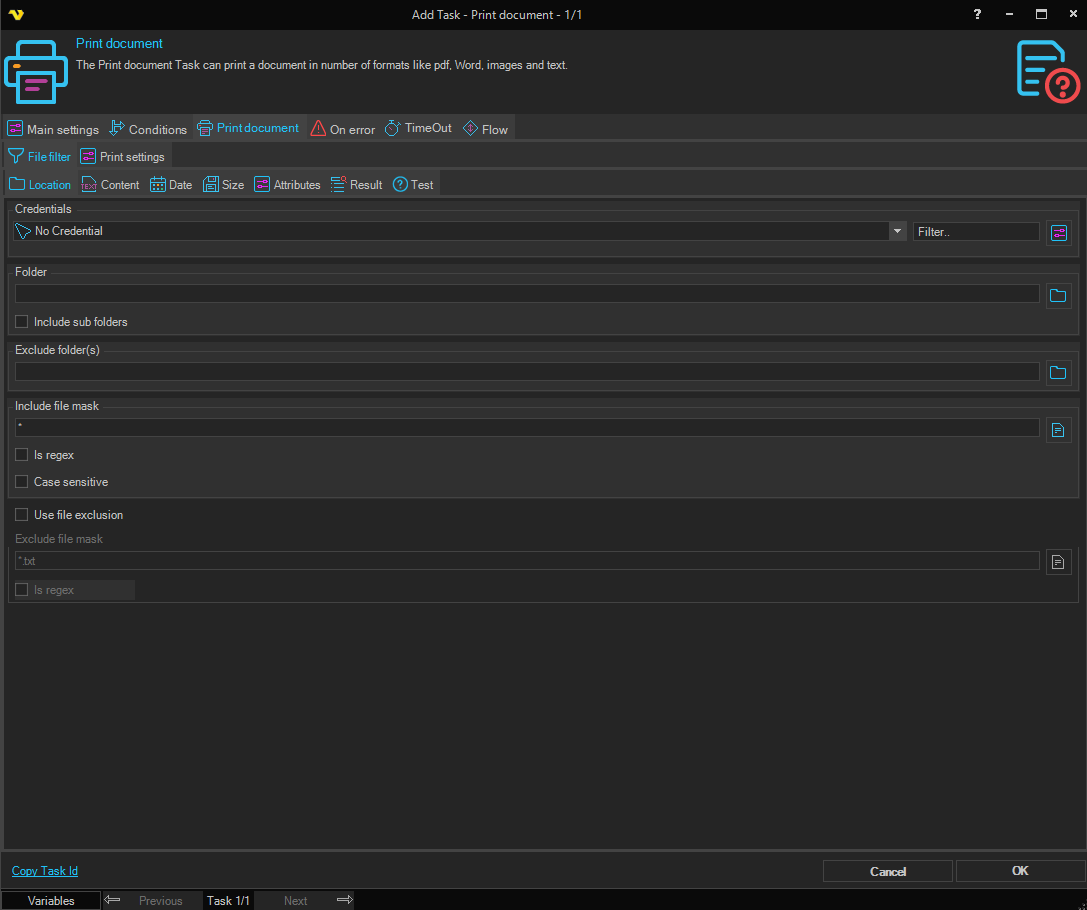
Select printer
Select your desired printer here.
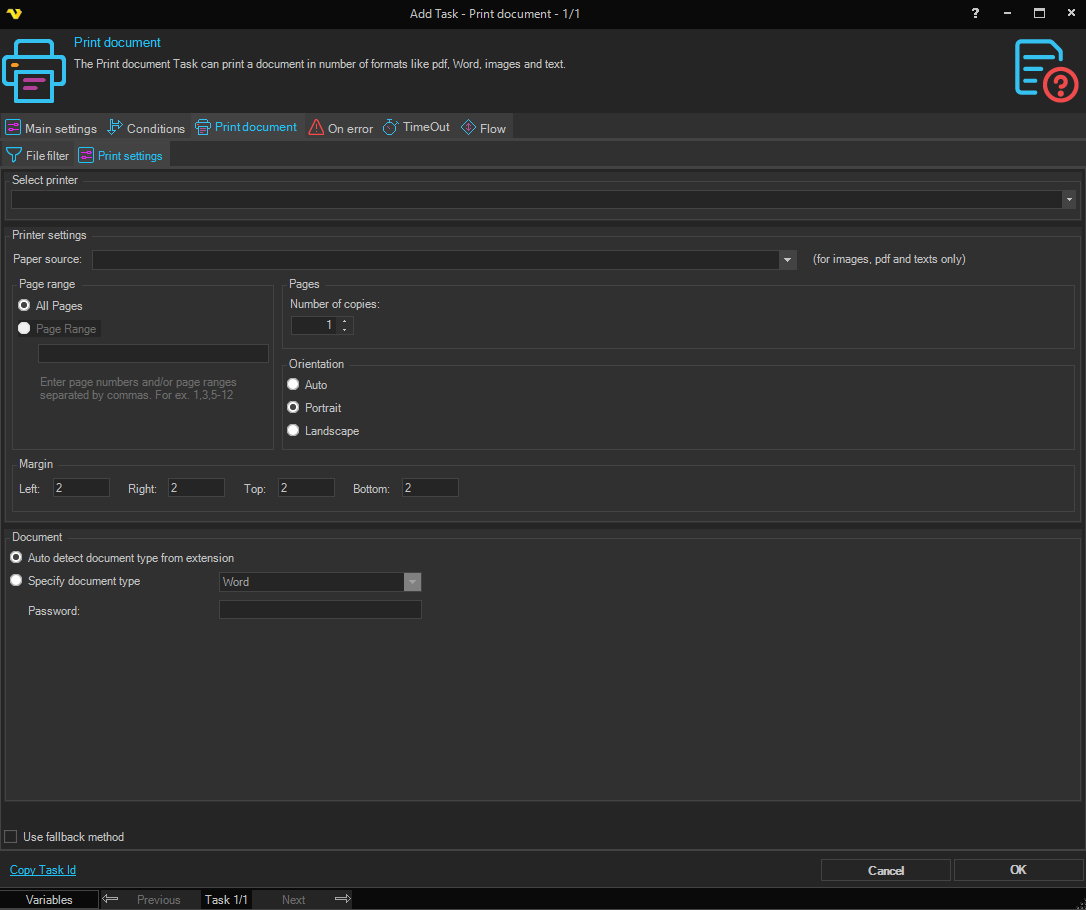
Printer settings
Paper source
Select the paper source tray to use when printing. Note: applies to images, PDF, and text files only.
Page range
All pages / Pages
Select All pages to print the entire document. Select Pages to print specific pages and enter the page number or page range (for example, 2-4) in the field. Defaults to All pages.
Number of copies
Set the number of copies to print. Defaults to 1.
Orientation
Select either portrait or landscape.
Auto / Portrait / Landscape
Select the page orientation. Defaults to Portrait.
Margin
Set the page margins in the Left, Right, Top, and Bottom fields.
Document
Auto detect document type from extension / Specify document type
Select Auto detect document type from extension to let VisualCron determine the document type from the file extension. It is important that the extension is correct, otherwise you will get printing problems. Select Specify document type to manually choose the document type from the dropdown. Defaults to Auto detect document type from extension.
Password
Enter the password for the document if it is password-protected.
Use fallback method
When checked, uses an alternative printing method. Try this option if landscape mode is not working or if the document fails to print with the default method.
Printing images requires that you have any version of Microsoft Office installed.
Troubleshooting
I cannot see my printer
This is probably a permissions problem. Please check the sharing permissions on the printer. By default, the user account that runs the VisualCron service is SYSTEM account and that user needs to have this printer shared to.
Landscape mode is not working
Try checking the option Use fallback method.