Connection - AS/400
The AS/400 Connection stores the address and sign-in settings that the Process - AS/400 Command Task uses to connect to an IBM i (AS/400) system.
note
The AS/400 Command Task uses the IBM i Access client components on the VisualCron Server computer. Install them there before you run the Task.
Common settings
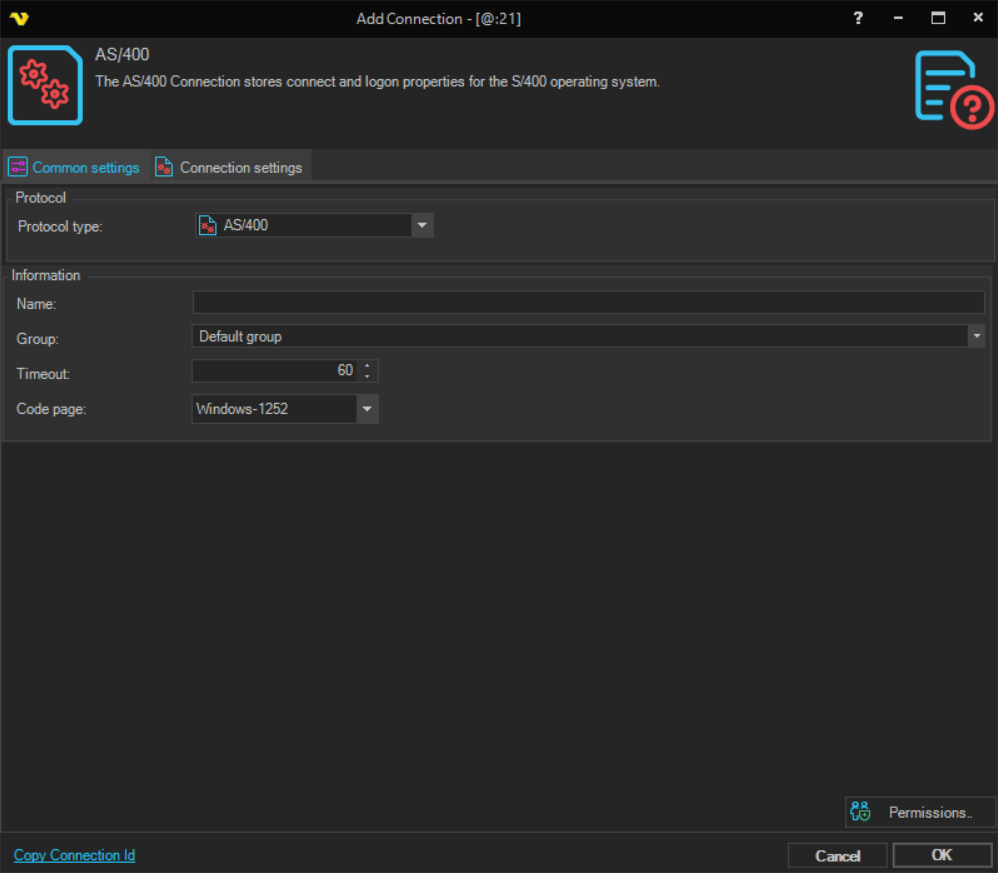
The Common settings tab is the same for every Connection type that has it; see Common settings. AS/400 Connections have no Test, and the AS/400 Command Task does not use Timeout or Code page. To limit how long the Task runs, use the Task's own timeout.
Main settings
These fields are on Connection settings -> Main settings.
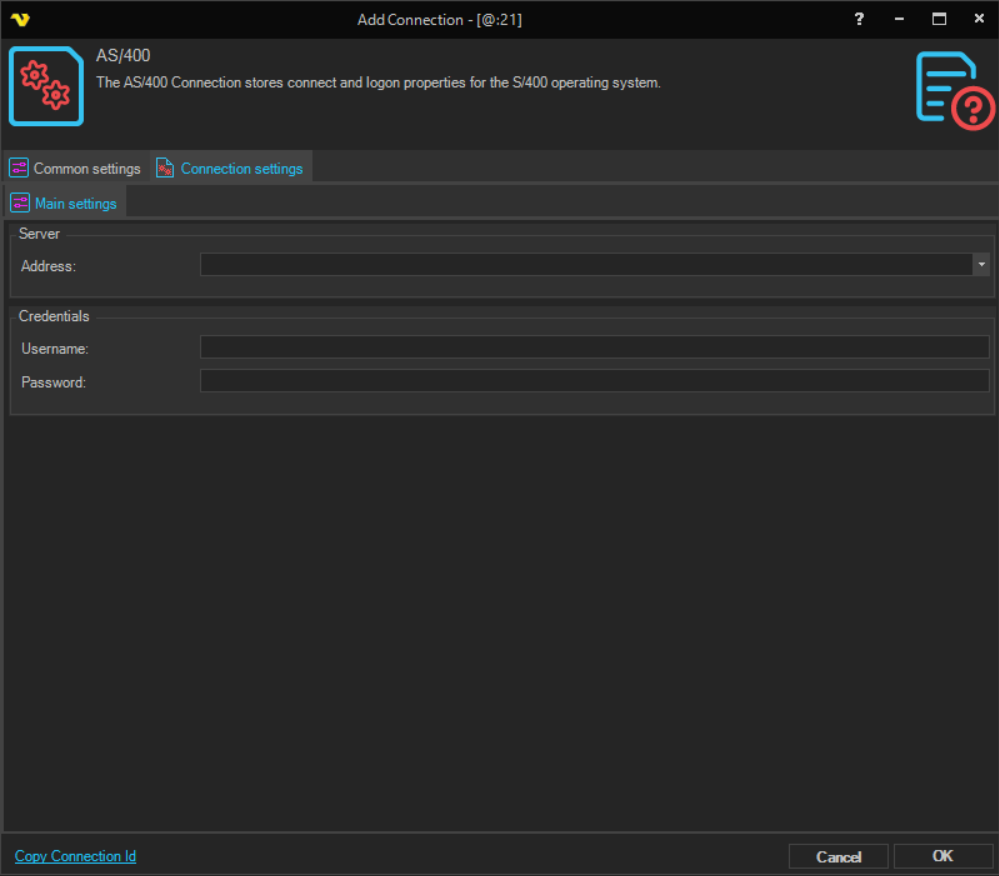
- Address: the host name or IP address of the AS/400 system
- Username: required. The user profile that the Task signs on with
- Password: the password of that user profile