Connection - Dynamics CRM
The Dynamics CRM Connection stores the address, sign-in and security settings that the following Dynamics CRM Tasks use to connect to a Microsoft Dynamics CRM organization:
- Dynamics CRM - Get entity
- Dynamics CRM - Create entity
- Dynamics CRM - Update entity
- Dynamics CRM - Delete entity
- Dynamics CRM - List entity
- Dynamics CRM - Get audit data
- Dynamics CRM - Set audit status
- Dynamics CRM - Start work flow
- Dynamics CRM - Download attachment
- Dynamics CRM - Upload attachment
- Dynamics CRM - Delete attachment
Common settings
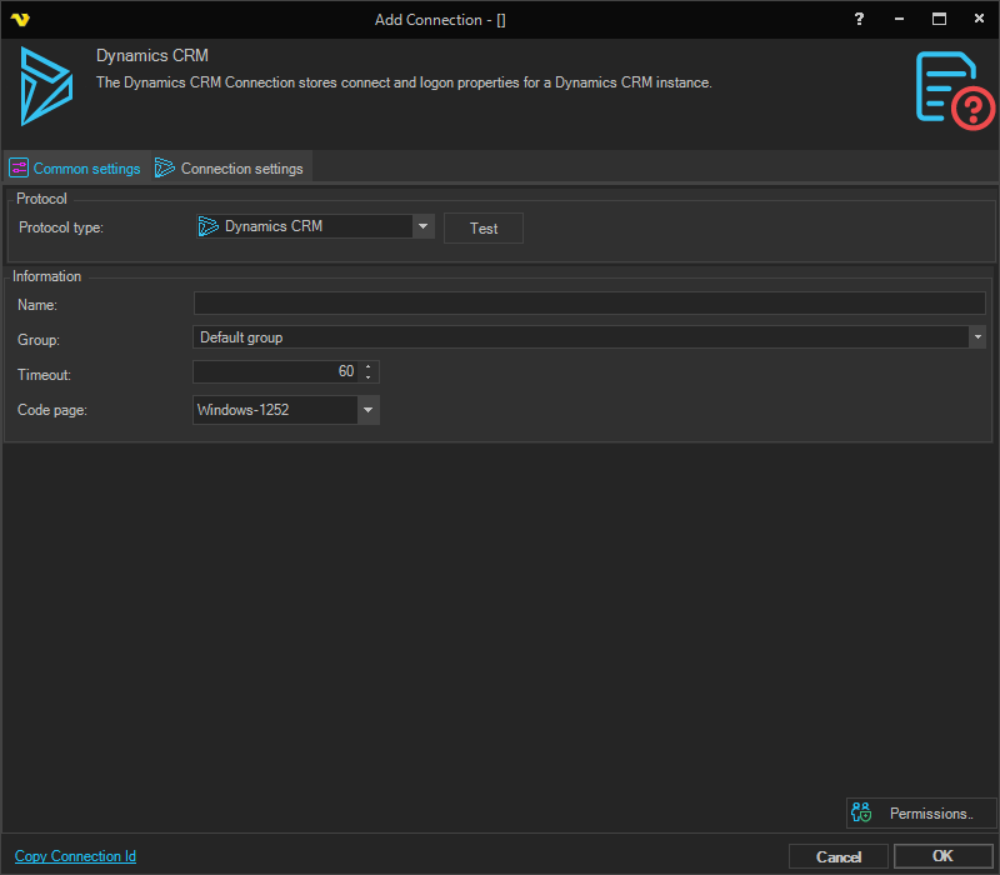
The Common settings tab is the same for every Connection type that has it; see Common settings.
For a Dynamics CRM Connection, Timeout and Code page are not used. Test runs on the Server. It connects with Address, Username and Password and reads the list of entities. If the test fails, the message shows the error and a suggested address format.
Main settings
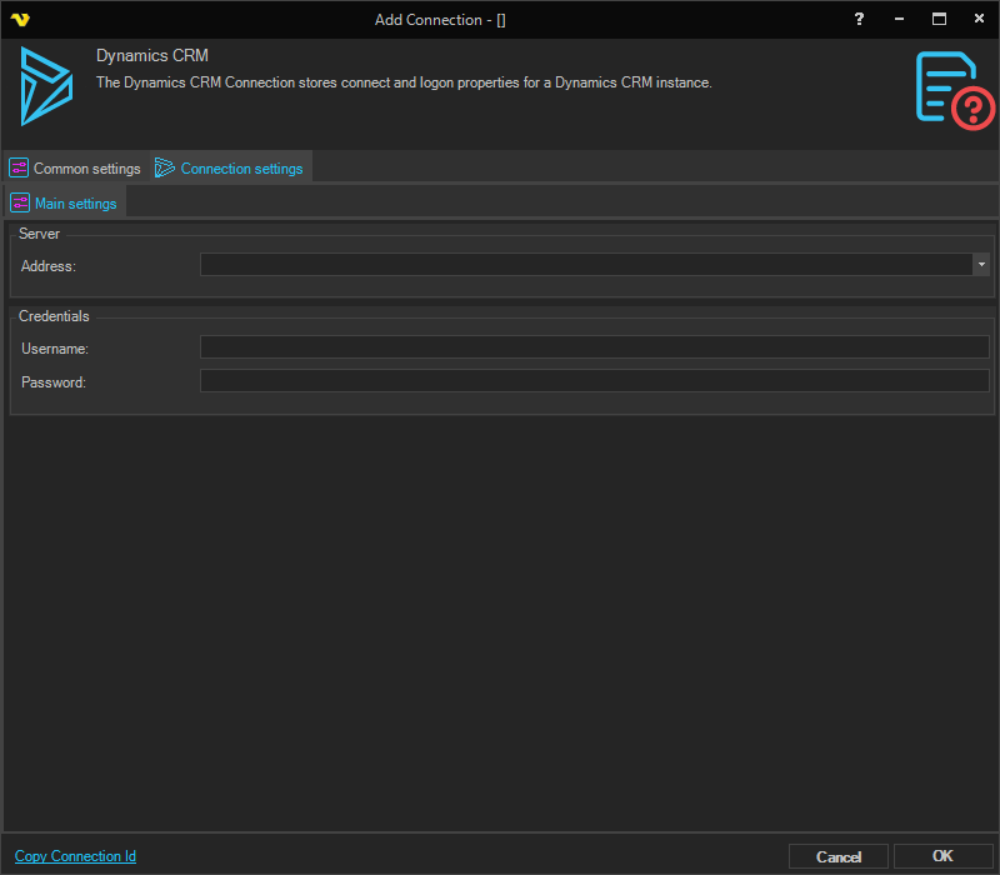
These fields are on Connection settings -> Main settings. Address and Username are required.
- Address: the full URL of the Dynamics CRM organization, including
https://orhttp://. For an on-premises server, include the port if it is not the default, and the organization name, for examplehttp://<server>:<port>/<orgname>
Username
The user name for the Dynamics CRM server.
Password
The password for the Dynamics CRM server.