Connection - IMAP4
The IMAP Connection stores connect and logon properties for the email server protocol IMAP4. The IMAP4 protocol is used to receive email. The IMAP Connection is used in the Email Trigger.
Manage Connections > Add > IMAP4 > Common settings tab

Test
It is possible to test the connection once you have set all settings. Click the Test button to start the test.
Name
The unique name for the Connection.
Timeout
The connection timeout in seconds. Connection will fail after this time is passed.
Code page
The table of values that describes the desired character set. Currently this is overridden by the code page in the Task.
Manage Connections > Add > IMAP4 > Connection settings tab
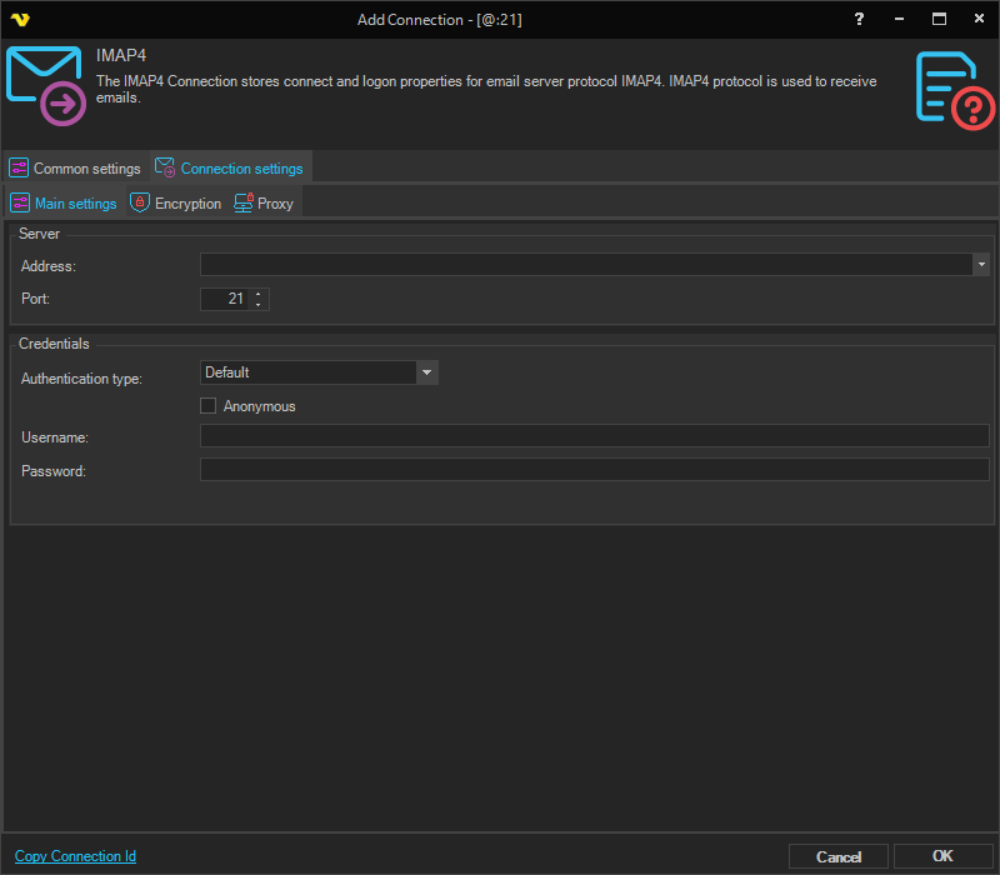
Address
The DNS name or IP address of the email server.
Port
The port used by the email server. Please note that it should match the port of the encryption. Normally encrypted connections uses port 993 while email servers with no encryption uses port 143.
Authentication type
The method used to authenticate with the email server.
- Default - authenticate using a username and password
- OAuth - authenticate using OAuth; the Username label changes to Application Id and the Password label changes to Client secret. A Setup app link and an Authenticate link are also shown to guide the OAuth app configuration process
Anonymous
When checked, disables the Username and Password fields. Please note that anonymous access to a shared mailbox is not supported in the IMAP protocol. Use Exchange Connection instead.
Username
The user name for the email account. When Authentication type is set to OAuth, this field is labeled Application Id.
Password
The password for the email account. When Authentication type is set to OAuth, this field is labeled Client secret.
Default settings for some servers:
Office 365
Main settings
- Address: outlook.office365.com
- Port: 993
Encryption
- Cryptographic protocol: SSL
Gmail
- Address: imap.gmail.com
- Port: 993
Encryption
- Cryptographic protocol: SSL
- SSL Version: 3
Manage Connections > Add > IMAP4 > Connection settings > Encryption tab
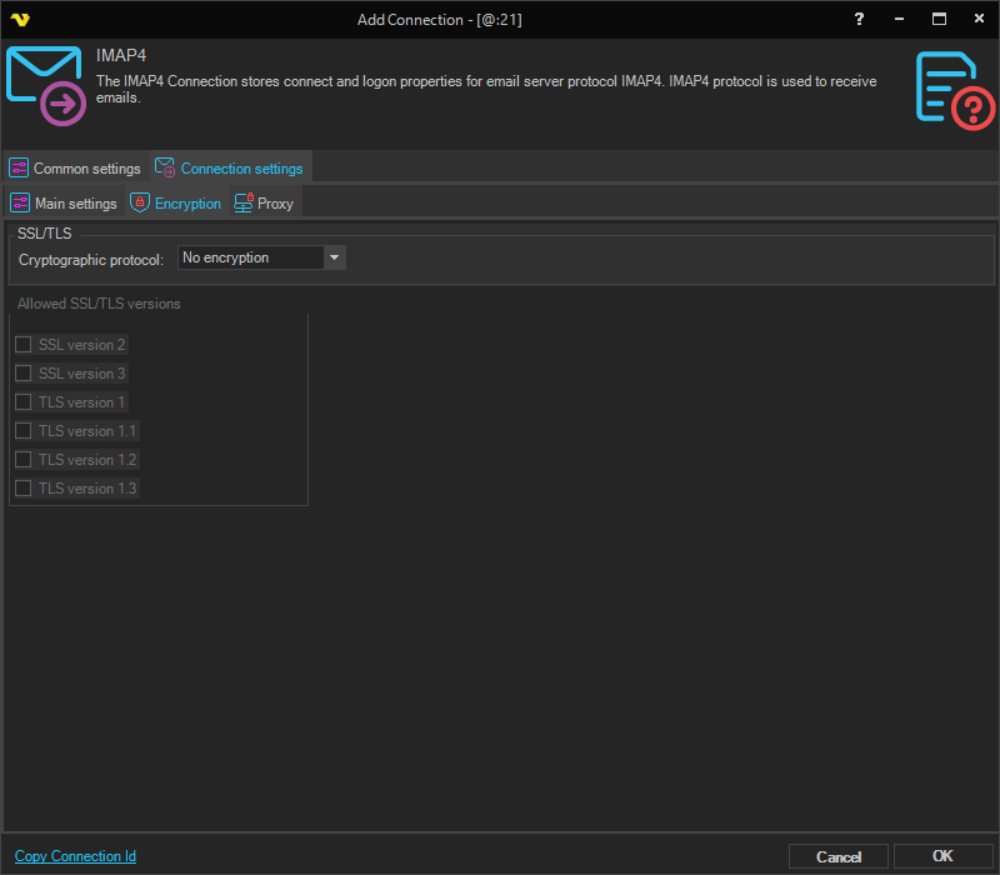
Cryptographic protocol
The encryption protocol to use.
- No encryption - connection is not encrypted
- SSL - use SSL encryption
- TLS - use TLS encryption
Allowed SSL/TLS versions
Some IMAP4 servers require certain versions of SSL/TLS. Check the versions that are allowed. The available options are:
- SSL version 2
- SSL version 3
- TLS version 1
- TLS version 1.1
- TLS version 1.2
- TLS version 1.3
Manage Connections > Add > IMAP4 > Connection settings > Proxy tab
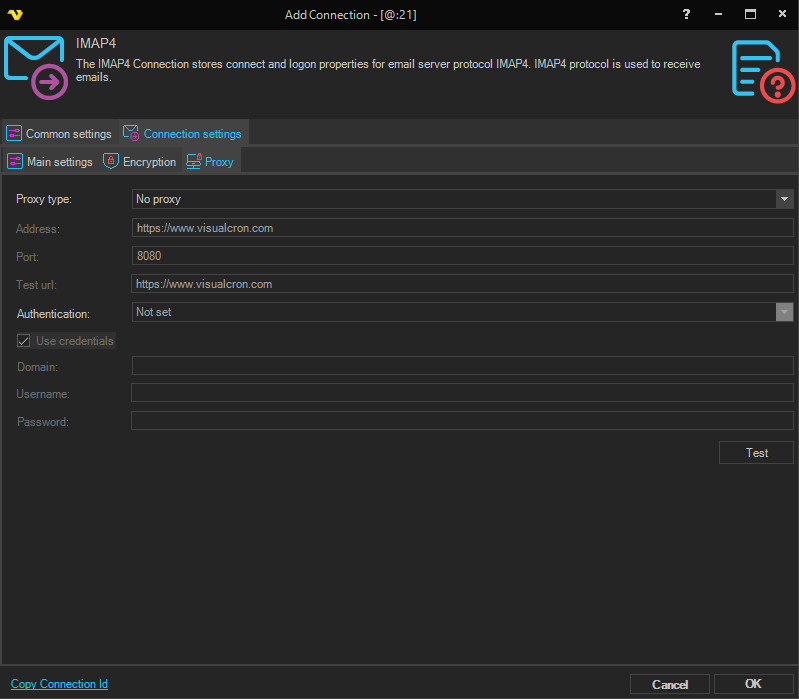
Proxy type
Select the proxy type to be used.
Address
The host name or IP address of the proxy server.
Port
The port of the proxy server.
Use credentials
Enable to provide credentials for authenticating with the proxy server.
Domain
The domain of the proxy server.
Username
The user name to access the proxy server.
Password
The password to access the proxy server.