Connection - Box
TThe Box Connection stores connect and login properties for the Box cloud storage service. You can use VisualCron to transfer files between Box and a local folder, or between Box and other cloud services.
The Box Connection is used in the following Cloud Tasks:
- Cloud - Upload file(s)
- Cloud - List item(s)
- Cloud - Download file(s)
- Cloud - Create folder
- Cloud - Delete item(s)
Manage Connections > Add > Box > Common settings tab
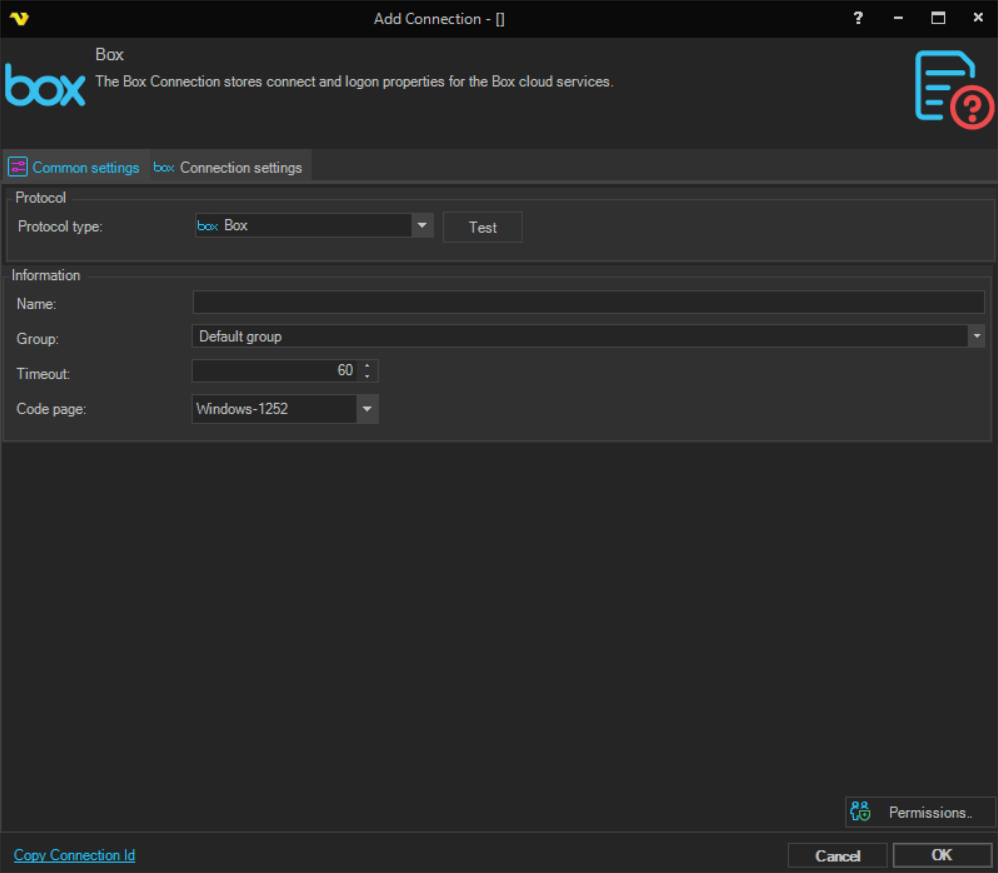
Name
The name of the Connection to uniquely identify it.
Group
The group that the connection is a part of.
Timeout
The connection timeout in seconds. Connection will fail after this time period.
Code page
Code page being used.
Manage Connections > Add > Box > Connection Settings tab
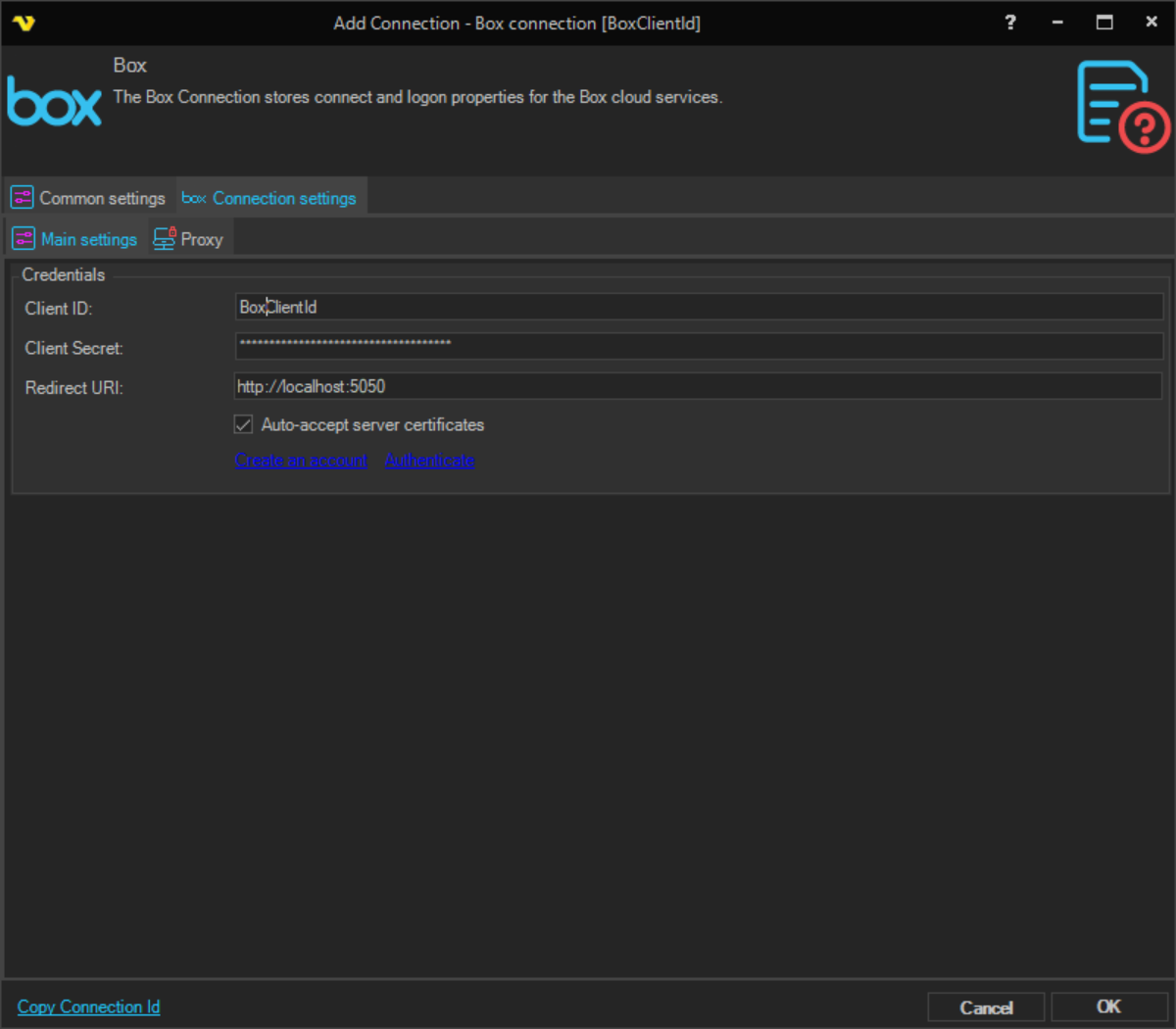
Client Id
Client Id which you gets when registering your application at the Box Developer Console - Box. See sample below:
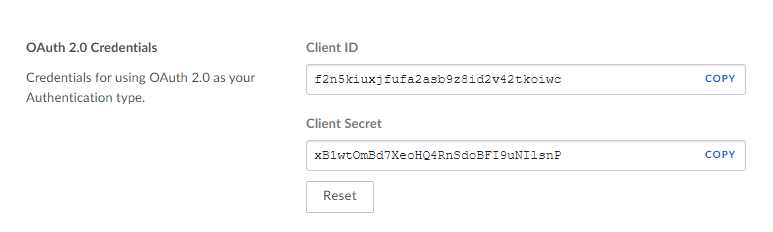
Client secret
The Client Secret obtained when registering your application at the Box Developer Console.
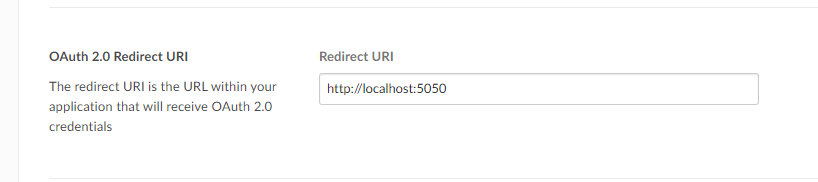
Redirect Url
The OAuth redirect URI used during authentication. This value must match exactly the redirect URI configured for your app in the Box Developer Console.
Auto-accept server certificates
When checked, VisualCron automatically accepts server certificates without prompting. Enabled by default.
Create an account
Click this link to open the Box Developer Console to register or manage your Box application: https://app.box.com/developers/services
Authenticate
Click this link to initiate the OAuth authentication flow. A browser window will open for you to sign in with your Box account and grant VisualCron access. Once authentication is complete, click OK to save the connection.
Manage Connections > Add > Box > Proxy tab
Proxy type
Select the proxy type to be used.
Address
The host name or IP address of the proxy server.
Port
The port of the proxy server.
Use credentials
Enable to provide credentials for authenticating with the proxy server.
Domain
The domain of the proxy server.
Username
The user name to access the proxy server.
Password
The password to access the proxy server.