Connection - Informatica
The Informatica Connection stores the address, sign-in and security settings that the Informatica - Run Job Task uses to connect to Informatica Cloud.
The Connection works only with Informatica Cloud. It does not connect to an Informatica installation on your own servers.
Common settings
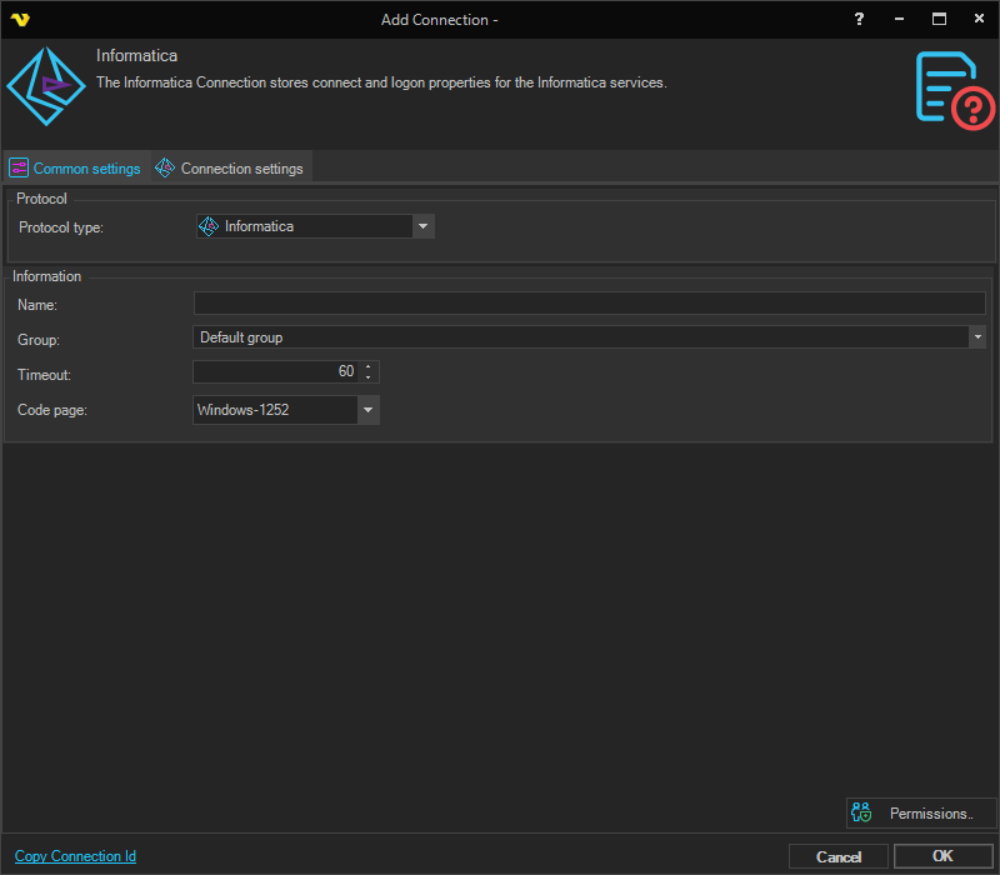
The Common settings tab is the same for every Connection type that has it; see Common settings.
For an Informatica Connection, no Test button is shown, and Timeout and Code page are not used.
Main settings
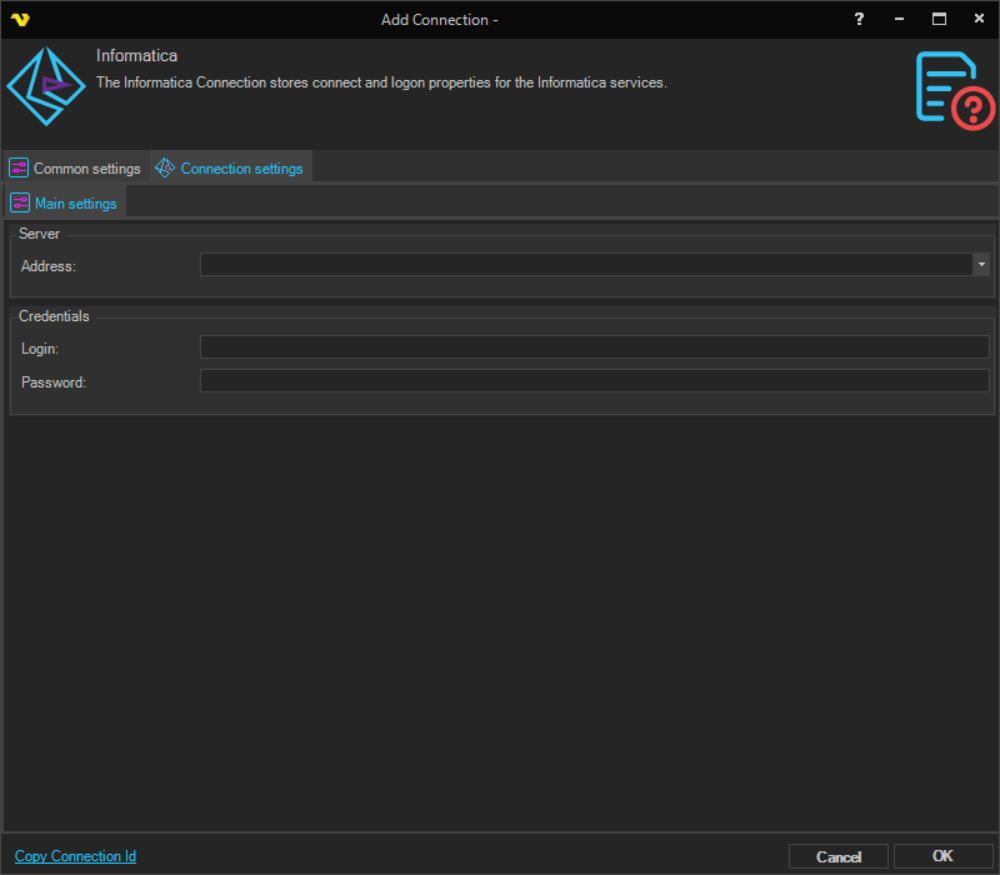
These fields are on Connection settings -> Main settings. Address and Login are required.
When this Connection logs on, it sets the SSL and TLS versions for the whole VisualCron Server process to SSL 3, TLS 1.0, TLS 1.1, TLS 1.2 and TLS 1.3, and the Server accepts any server certificate for HTTPS calls in the Server process, including the certificate of the Informatica server. Make sure that the Server reaches Informatica Cloud only through networks and proxies that you trust.
- Address: the host name of your Informatica Cloud server, without
https://or a path. VisualCron addshttps://and the API path, and uses the same host to log on and to run jobs - Login: the user name of your Informatica Cloud account
- Password: the password for that account