Task File - List Folders
The File - List folder Task lists all folders for the given filter and output format.
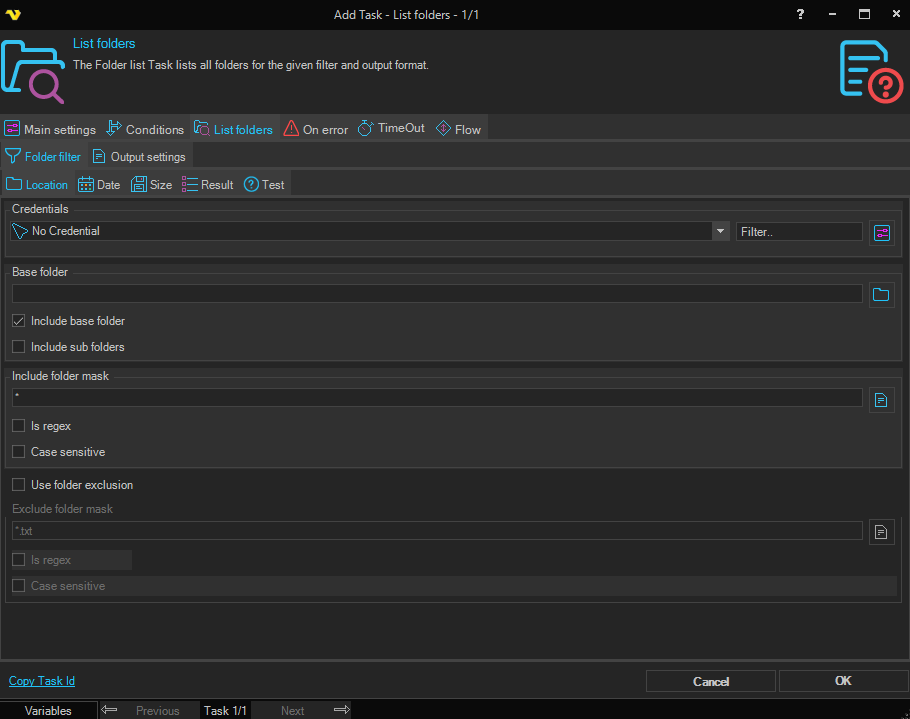
This Task is using the standard VisualCron Folder filter to find one or more folders.
List folders > Output settings sub tab
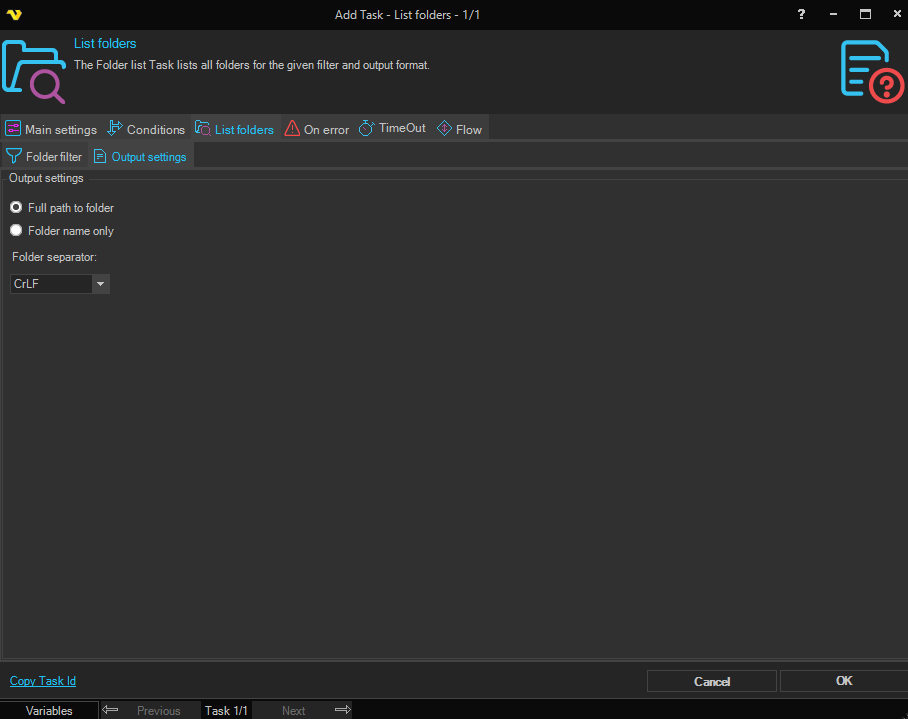
Output settings
Full path to folder
If selected, the output contains the full path to each folder.
Folder name only
If selected, the output contains only the folder name, without the path.
Folder separator
Specifies the character used to separate folders in the output. Options: Colon, Semicolon, Comma, Pipe, Tab, Blankspace, Tilde, None, Equal, Cr, CrLF, Lf.