Task File - Touch File
The Touch file Task sets the last write time of the files that the file filter finds to the current date and time of the VisualCron Server. If no file matches and the include file mask names a single file, without wildcards, the Task creates that file, empty. Even then, the Task raises a file-not-found error, which its On error settings handle. The Touch file Task uses the standard file filter to find files that you want to touch.
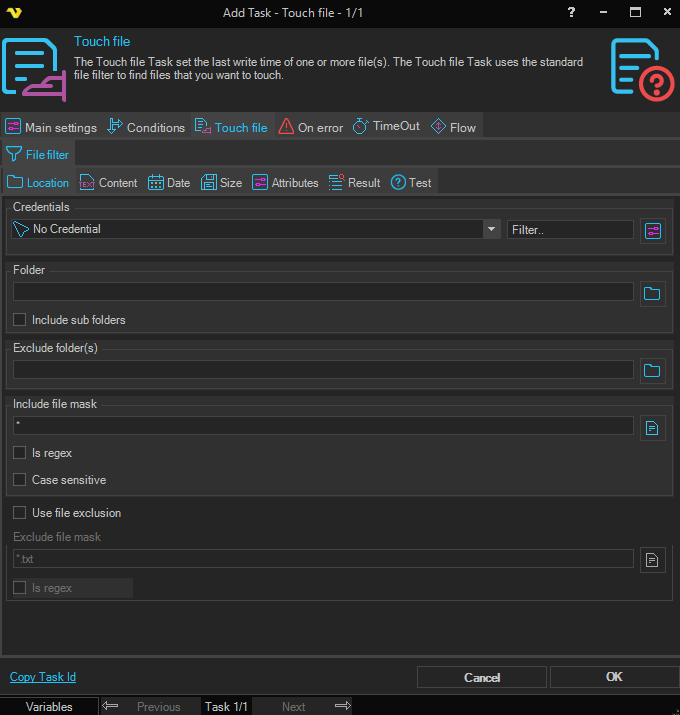
Touch file > File filter tab
Use the standard file filter to select which files to touch. The file filter includes a Credential field for accessing files on remote or network locations.